Send New Users a Welcome Email
1 min
When you create new users, users receive an automatic email that includes the URL for your Blueprint instance and their username.
In order for Welcome Emails to be sent to new users, your Email Settings must first be configured in the Admin Portal. For more information, see Email Settings.
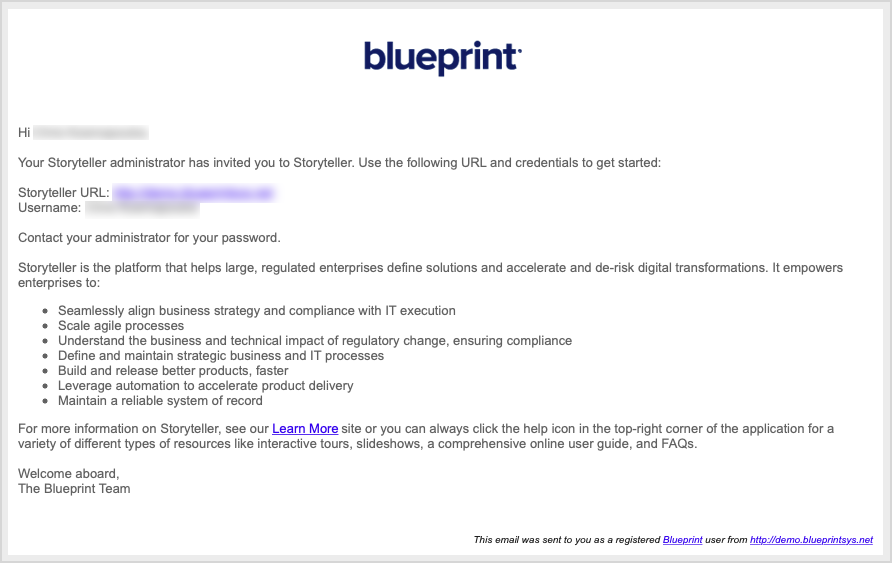
You can add custom text to the default email message in the Administration portal. For more information, see Define Access and Logging In Settings.