Create a New Folder in a Project
1 min
To create a new folder in a Blueprint project:
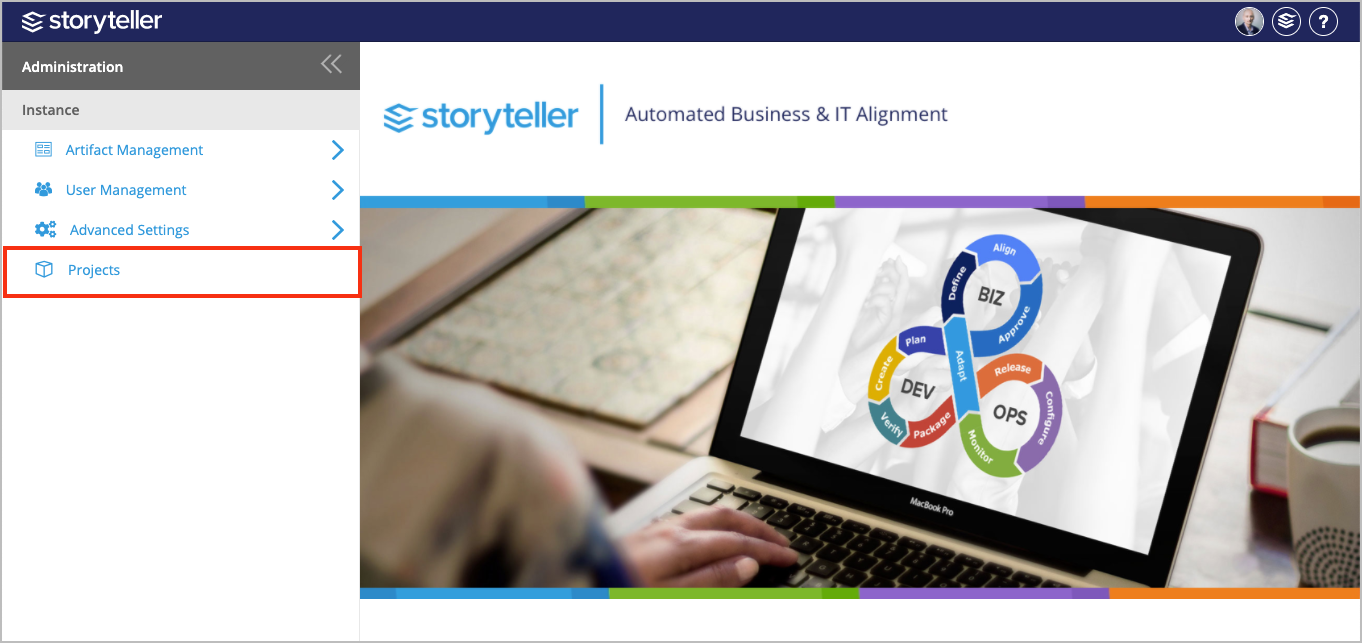
- Click Projects in the Administration Portal. For information on how to access the Admin Portal, see About the Administration Portal.
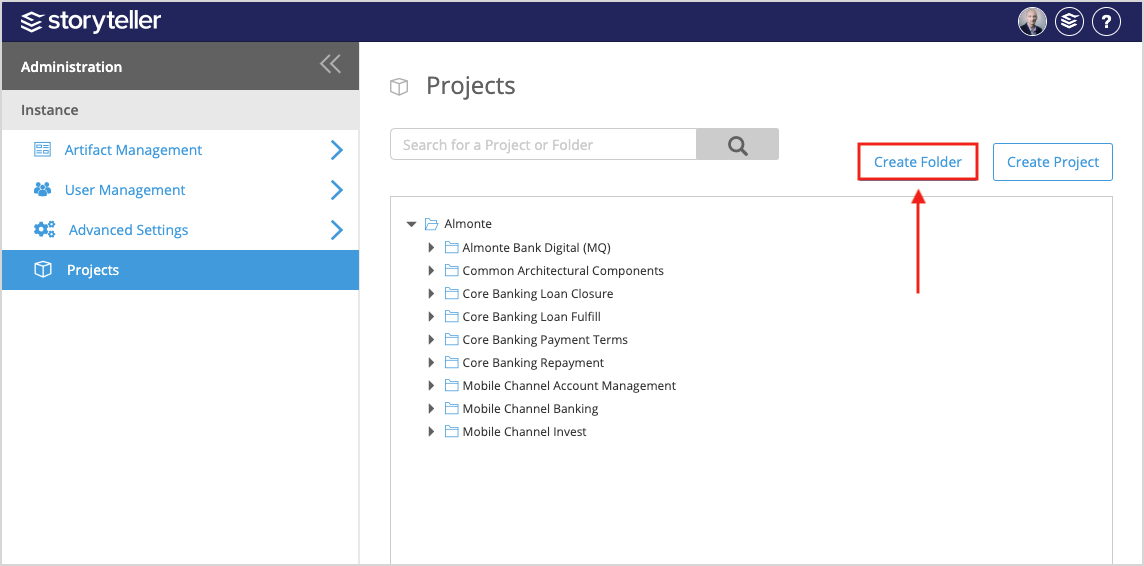
- In the Projects page displayed, click Create Folder.
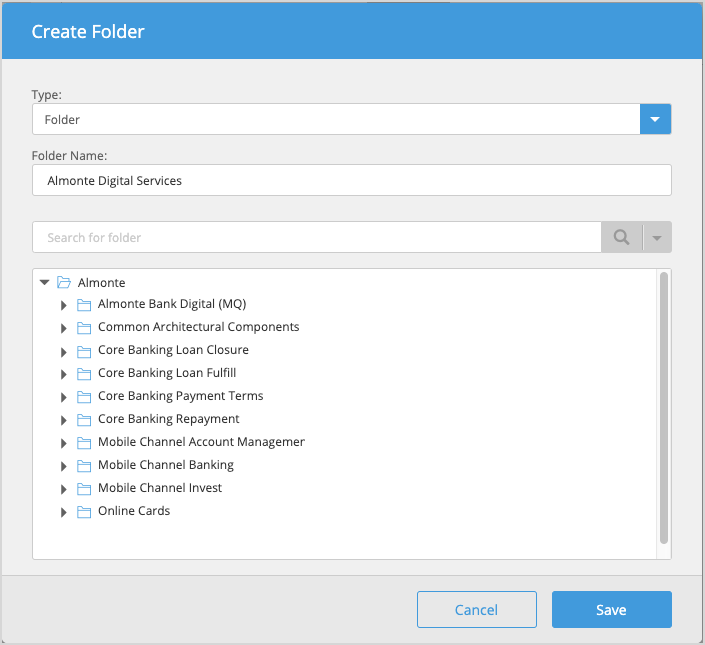
- In the Create Folder modal:
- Enter a name for your new folder.
- Select the existing folder or hierarchy where you want to place the new folder. You can also you the search field to search for the folder in your instance.
- Click Save.