Email Settings
1 min
Email settings can be configured in the Admin Portal to leverage Blueprint Review Notifications and the ability to mention someone in a comment within a discussion.
The Email Settings page in the Admin Portal also gives you the ability to define the email server where your Blueprint emails come from, test connections, ensure your outbound and incoming email server are working properly, and disable email notifications if you choose.
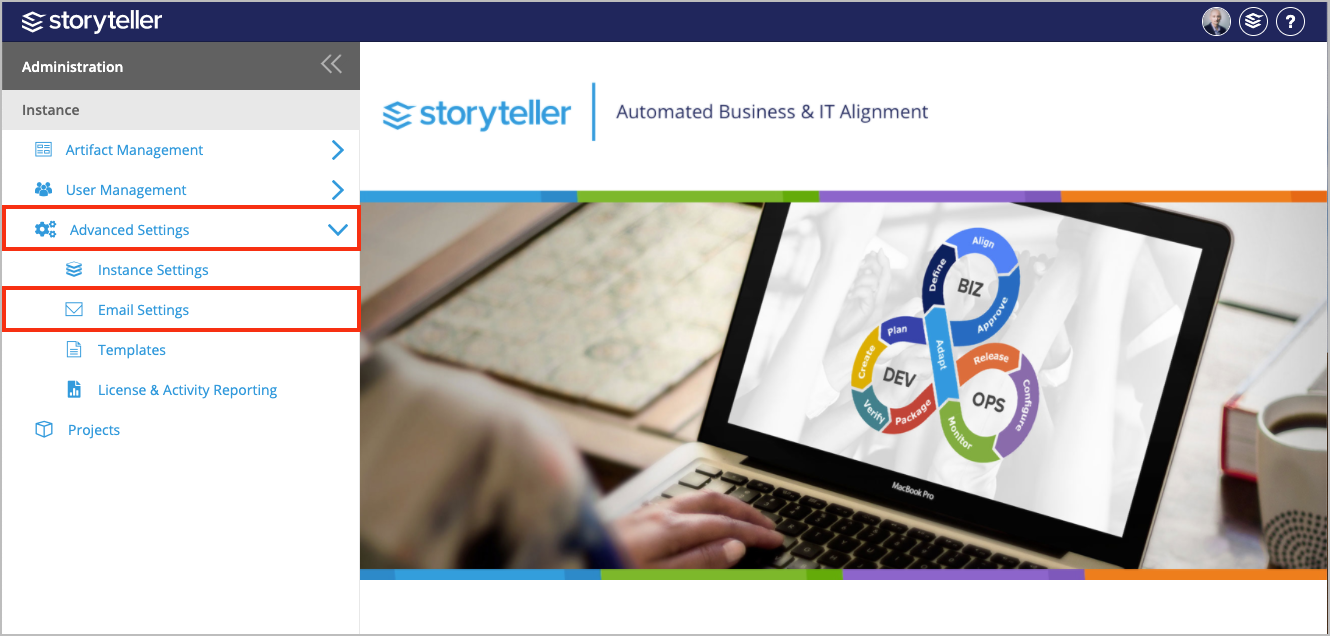
To access the Email Settings page:
- In the Administration Portal, click Advanced Settings and then select Email Settings in the side panel. For information on how to access the Admin Portal, see About the Administration Portal.
For information on how to perform the actions available in the Email Settings page, click one of the following links: