Configure Email Notifications
0 min
Blueprint email notifications provide your users with information and reminders at key moments.
To configure your email notifications in Blueprint:
- In the Administration Portal, click Advanced Settings and then select Email Settings in the side panel. For information on how to access the Admin Portal, see About the Administration Portal.
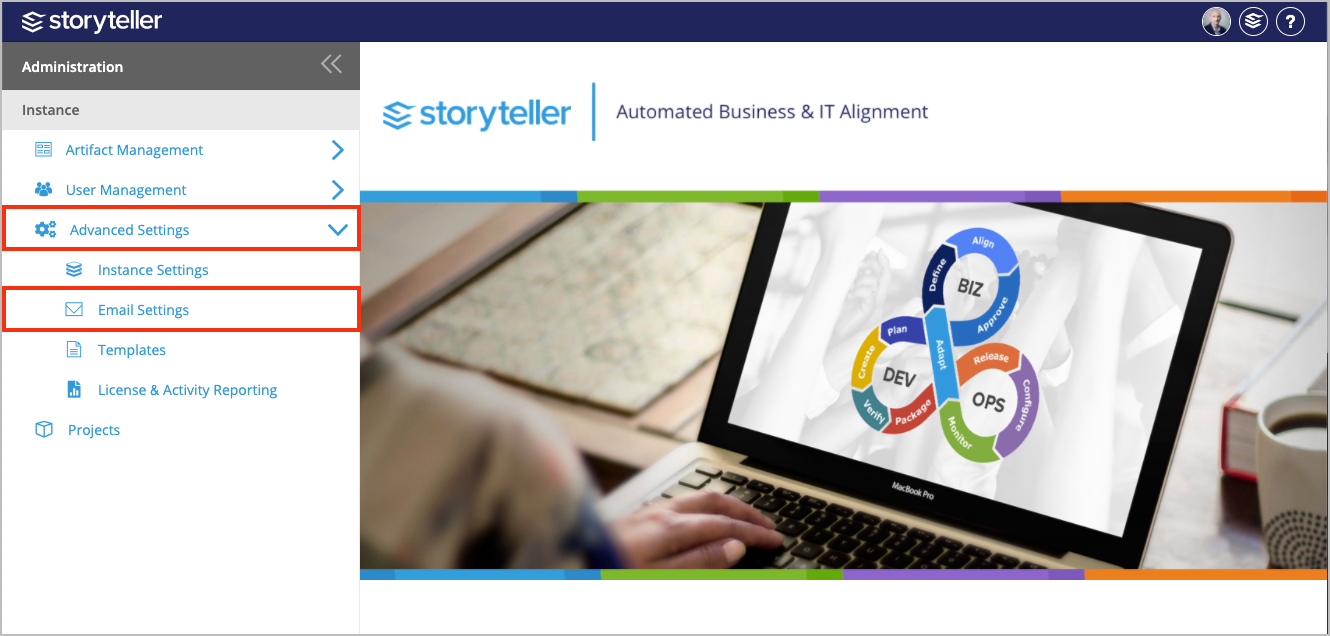
- Select the Enable Review Notifications to enable all review notifications. For more information, see Review Notifications.
- Select the Allow Projects to enable Email Notifications checkbox to enable email-integrated discussions. This setting ensures that users receive an email notification when they are @-mentioned in a discussion.
- Click Save.