Instance Settings
1 min
In the Administration Portal, you can view and define the preferences and settings you might have for how the application runs across your entire instance.
You can define several elements in Instance Settings including the maximum file size for attachments, the maximum process steps a process can have, etc.
To access and configure your Instance Settings:
- In the Administration Portal, click Advanced Settings and then select Instance Settings in the side panel. For information on how to access the Admin Portal, see About the Administration Portal.
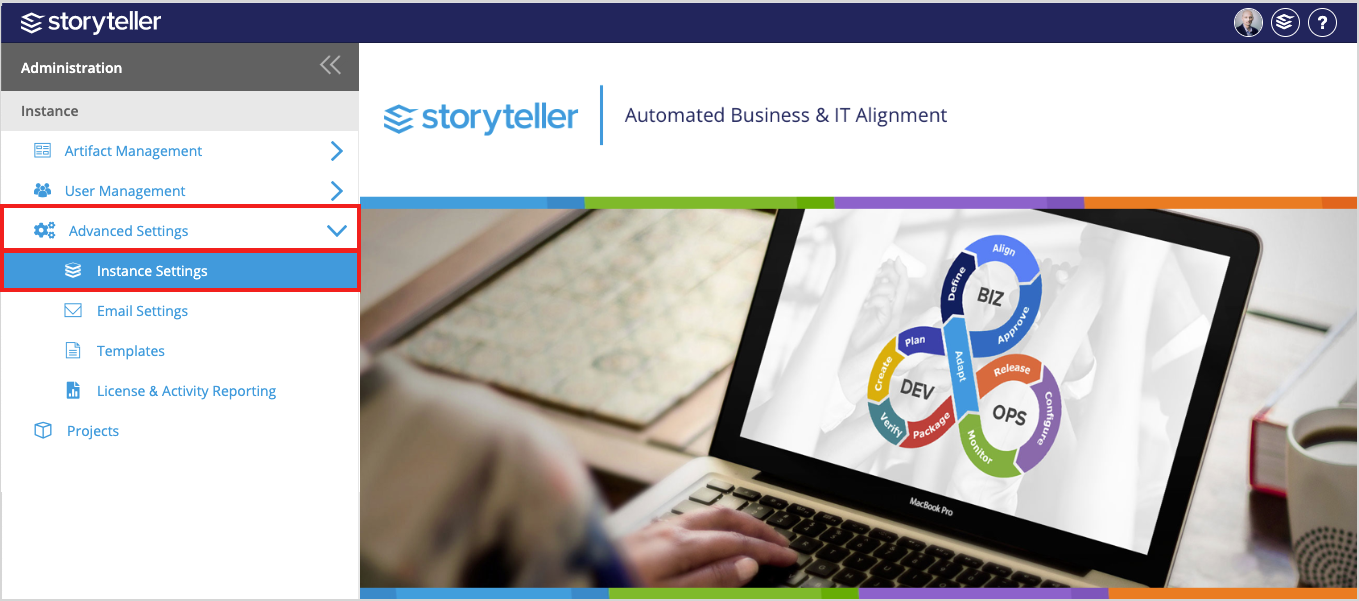
- Click Save to save and activate your changes.
In the Instance Settings Page displayed, you can define the following settings. For more details, click each link provided:
- Bulk Edit
- Attachments
- Move & Copy
- Rich Text
- Processes
- Models
To see and experience any changes made to Instance Settings, Blueprint users have to refresh their browsers.