Define Process Settings
1 min
In the Administration Portal, you can view and define the maximum number of process shapes and maximum mockup file size that can be uploaded in a process in Blueprint.
To view and define your Process settings:
- In the Administration Portal, click Advanced Settings and then select Instance Settings in the side panel. For information on how to access the Admin Portal, see About the Administration Portal.
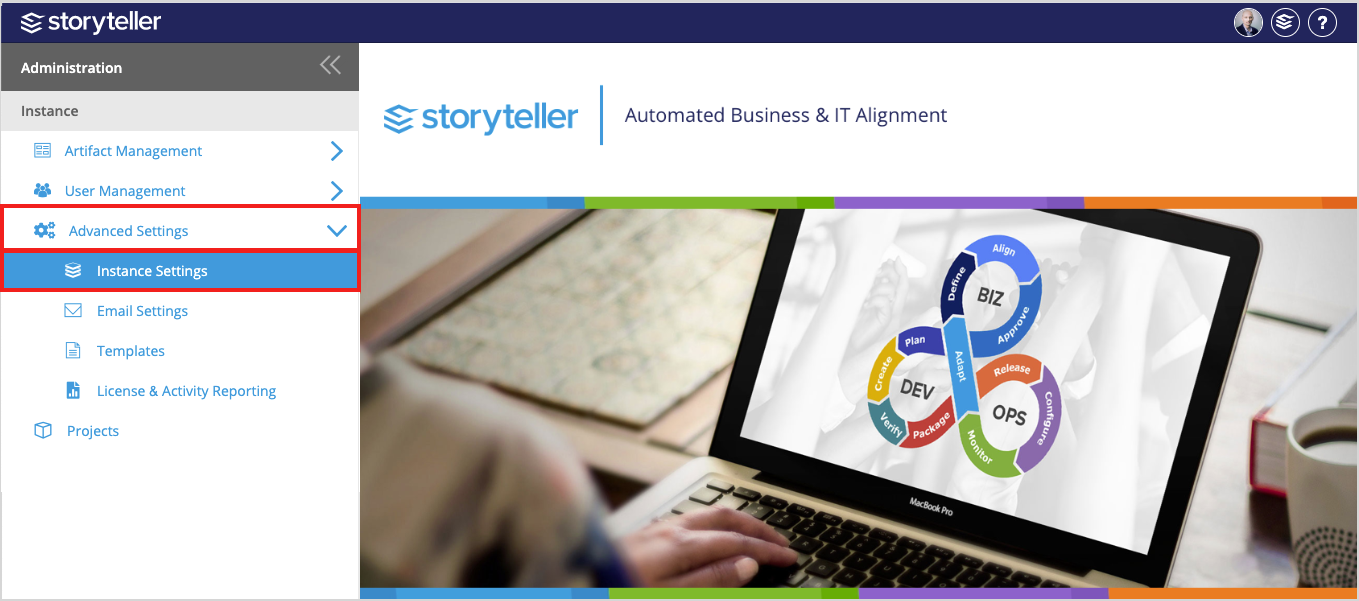
- In the Processes section:
- Define the maximum number of process shapes that can be added in any given process in the Max Process Shapes field. It is set to 100 by default. The maximum process shapes that can be defined in this field is 200.
- Define the maximum mockup file size (in MB) that can be uploaded to any given process in the Max Mockup File Size field. The maximum mockup file size that can be defined in this field is 7 MB, which is also the default setting.
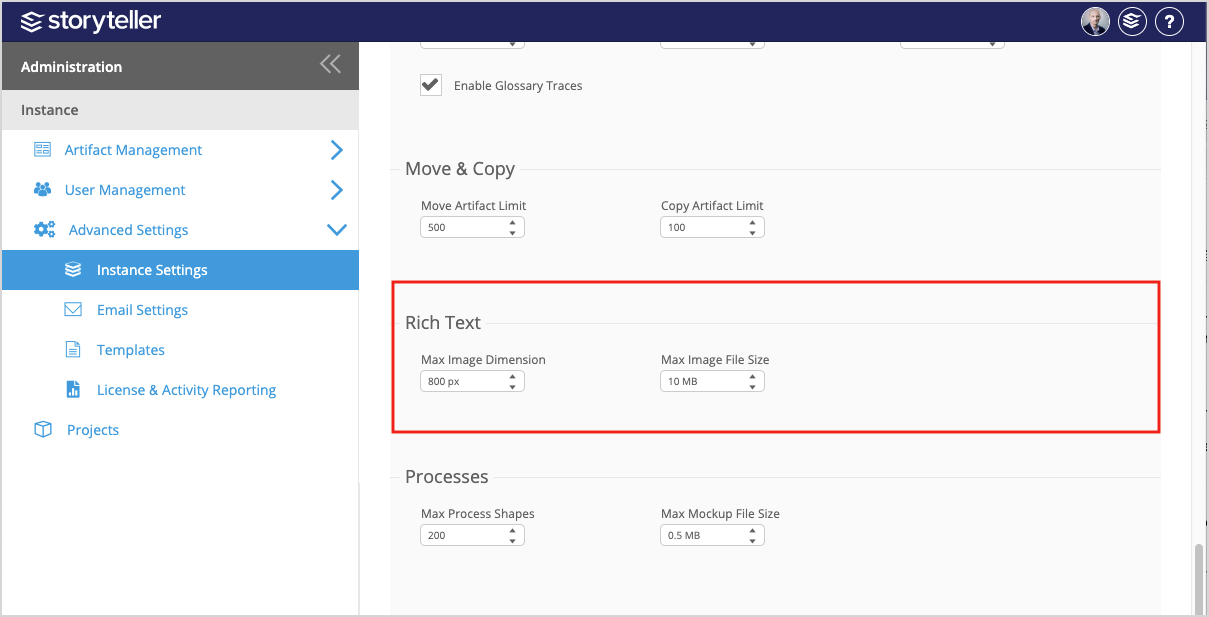
- Click Save at the bottom of the page to save and activate your changes.
To see and experience any changes made to Instance Settings, Blueprint users have to refresh their browsers.