Using a Designated Approval Property
Designated Approval Property allows Blueprint users to have an automatically updated representation of whether an artifact has been Formally Approved or not.
Unlike other properties, the value in a Designated Approval Property cannot be changed by users manually. Instead, the property is set to “No” by default and is read-only. To change the Designated Approval Property, users will have to include their artifacts in a formal review, and have the artifact receive unanimous approval.
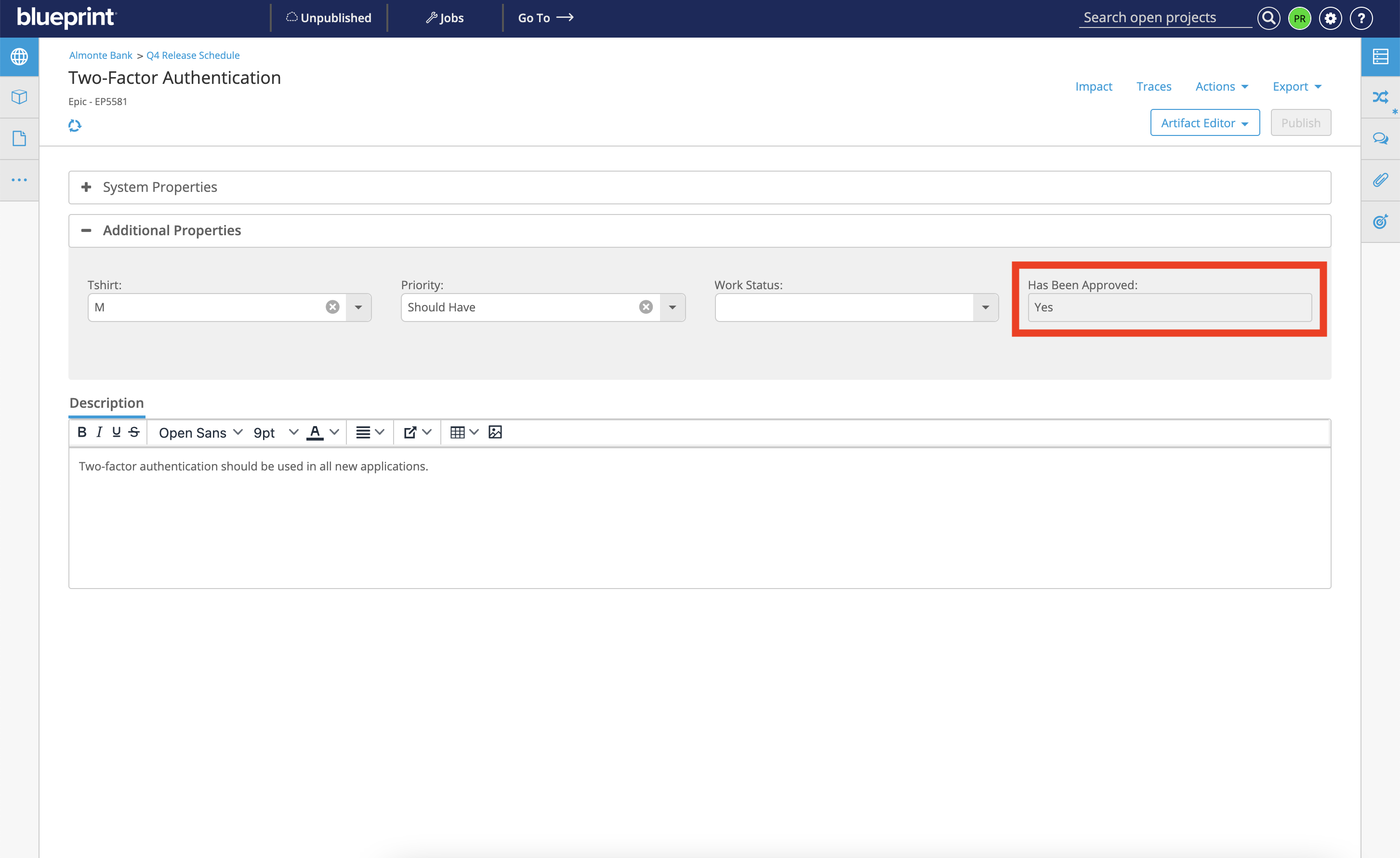
Please note that the Designated Approval Property on an artifact will only be changed from “No” to “Yes” in the following conditions:
- The artifact is in a Formal Review
- The artifact’s author is not the sole approver of the Formal Review
- All approvers in the Formal Review have approved the artifact
- All approvers in the Formal Review have completed their review
To change the “No” value in the Designated Approval Property to “Yes” on a set of artifacts:
- Create a review, or edit an existing review. See Create a ReviewCreate a Review for more information.
- Add the desired artifacts to the review. See Add Artifacts to a Review Add Artifacts to a review for more information.
- All artifacts with Designated Approval Properties should have Approval Status set to “Required”
- Add the desired approvers to the review. See Add Participants to a ReviewAdd Participants to a Review and Set Roles for a ReviewSet Roles for a Review for more information.
- Start the review. See Start a ReviewStart a review for more information.
- To change the Designated Approval Property on any given artifact in the review, each approver in the review must:
- Approve the artifact. See View and Approve Artifacts in a ReviewView and approve artifacts for more information.
- Complete the review. See Complete a Review in the Review ExperienceComplete a review in the review for more information.
- In the event of all approvers in a review approving an artifact and completing their review, the system will automatically conduct the following steps:
- Change the Designated Approval Property value from “No” to “Yes”
- Publish a new version of the artifact
If an artifact with a Designated Approval Property has been Formally Approved, and a user has unpublished changes on the artifact, the system will remove the user’s unpublished changes in the process of updating the artifact.