Align Shapes in the Universal Model Editor
1 min
Multiple shapes can be aligned to a common axis on the Canvas in the Universal Model Editor. Shapes can be aligned left, center, right, top, middle and bottom.
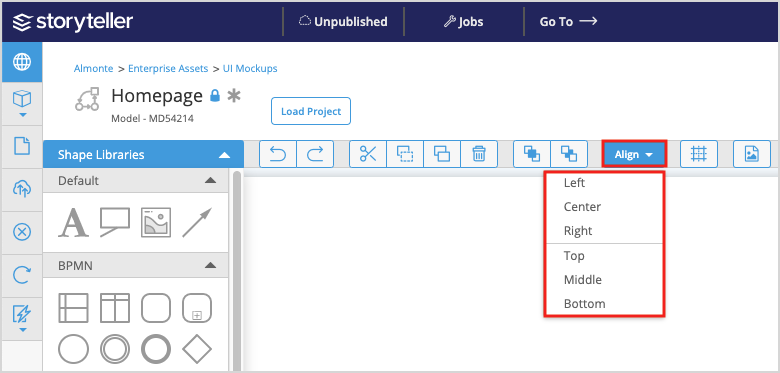
To align shapes, click the Align button in the Universal Model Editor toolbar and select the alignment of interest.
The first shape you select is used to anchor the other shapes selected. All the shapes will align to the first shape selected.