Connect Shapes in the Universal Model Editor
1 min
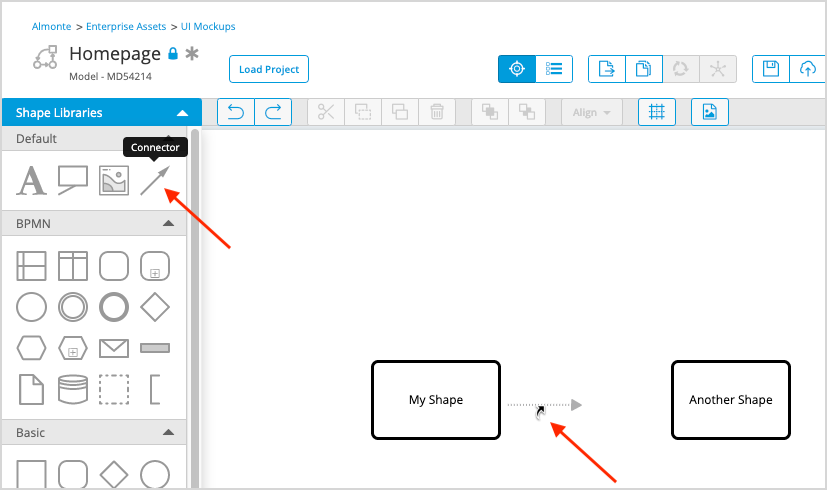
There are two simple ways to connect shapes on your canvas in the Universal Model Editor.
To connect shapes complete one of the following steps:
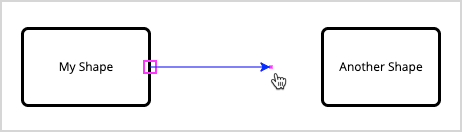
- Hover over a shape to view its connector ports.
- Click and drag from any connector port to a connector port on another shape.
Or
- Drag the connector shape form the Default library onto the canvas.
- Connect each end to any connector port on the shape(s) you want to connect.