Filter Columns in Descendants View
1 min
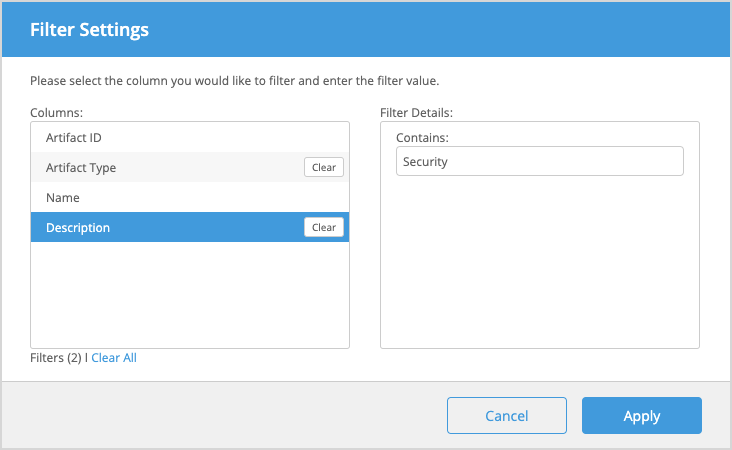
Blueprint enables you to filter columns in Descendants View. The filter options available depend on the columns you have configured for Descendants View. You can apply multiple filters to a single list.
To filter columns:
- Click the Filters button at the top of the table in Descendants View.
- In the Filter Settings modal, click a column in the list to display the corresponding filter options.
- Enter your desired filter details.
- Click the Clear button to clear any individual filter settings. To clear all filters at once, click Clear All.
- Click Apply to see your selected filters applied. An indicator will appear next to any columns that have filters applied to them. Clicking the indicator will open the Filter Settings window.