Edit Inline in Descendants View
2 min
Artifact properties can be edited inline in the Descendants View, making it an efficient alternative to accessing each individual artifact to edit properties.
In Blueprint 12.2, List View was rebranded as Descendants View to provide a more intuitive user experience.
To edit artifacts in-line in Descendants View:
- Double-click the cell of interest or click the edit icon (
 ) when you hover over it.
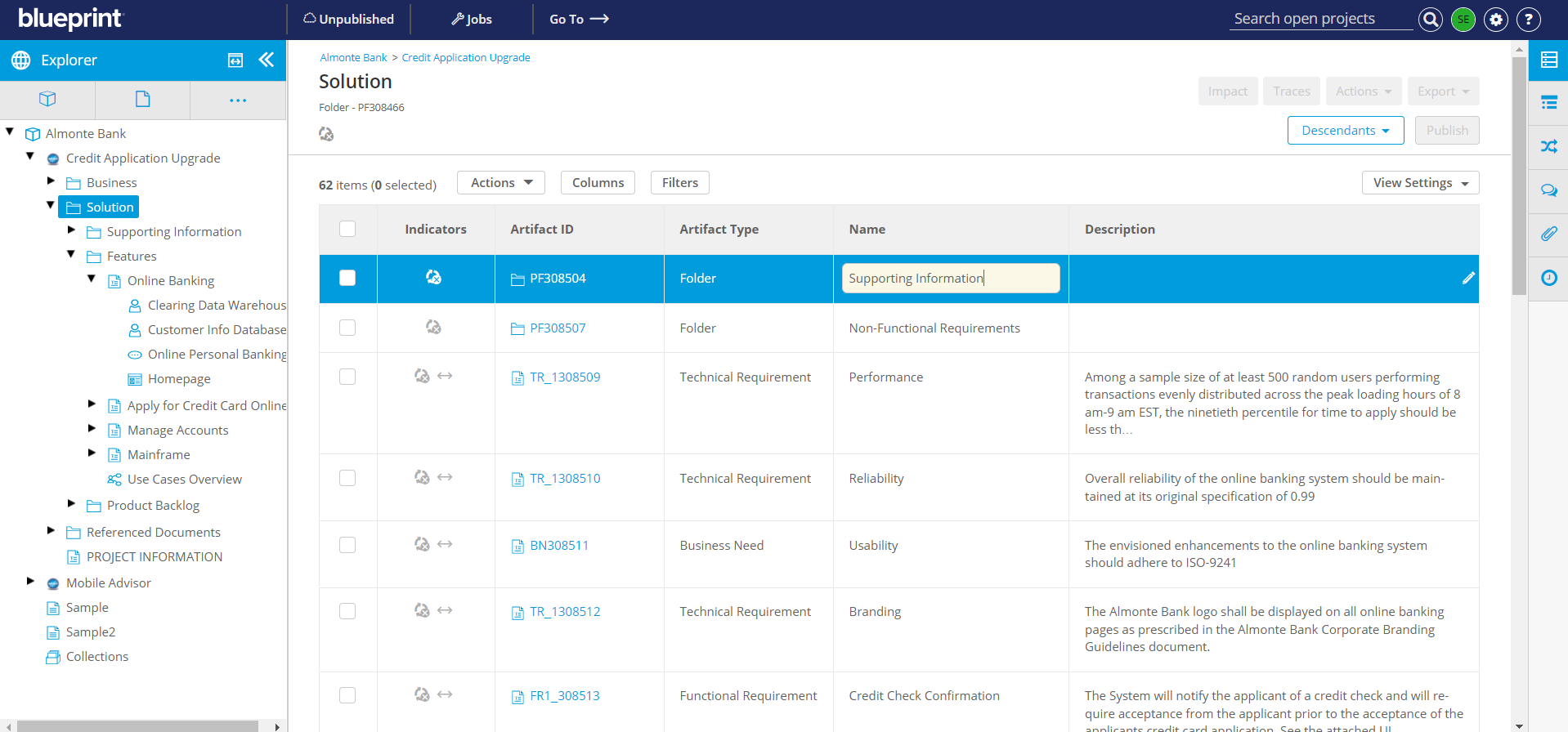
- If a rich-text field is being edited in-line, a separate modal will be displayed.
- Make your edits and click anywhere outside the cell or press Enter. In the case you are editing a rich-text field, click Apply in the corresponding modal.
Pressing the Esc key will discard the new changes.
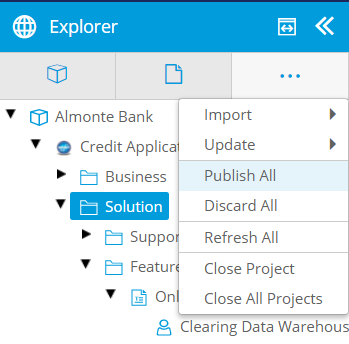
- From here, you can publish all changes made to artifacts by clicking Morein the Explorer Panel and then selecting Publish All
If validation errors are present, an error indicator is displayed and you will be unable to publish the artifact or the Collection. Click the error indicator to open that artifact's details in the Utility Panel.