Manage Columns in Descendants View
2 min
The columns displayed in an artifact’s Descendants View are entirely configurable. To configure columns in Descendants View:
- Click the Columns button at the top of the table in Descendants View.
- In the Columns Options modal, select the checkbox next to any columns you want included in your view.
- To change the order of how the columns are displayed, drag and drop a column to the order or position as you would like.
- Click Apply.
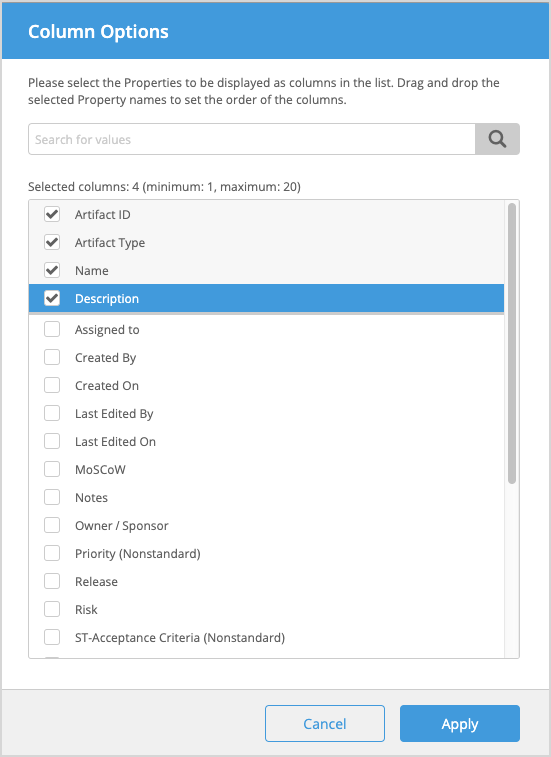
If you have a high number of columns configured, use the search box to find the ones you wish to include in your table.
Sort Columns in Descendants View
To sort columns, click the column header.
Sorting only affects your view. Other users are not impacted by your selections and can customize their own.