Disable a Workflow
2 min
To disable a Workflow in Blueprint:
- In the Blueprint Administration Portal, click the Artifact Management dropdown and select Workflows.
For information on how to access the Admin Portal, see About the Administration Portal.
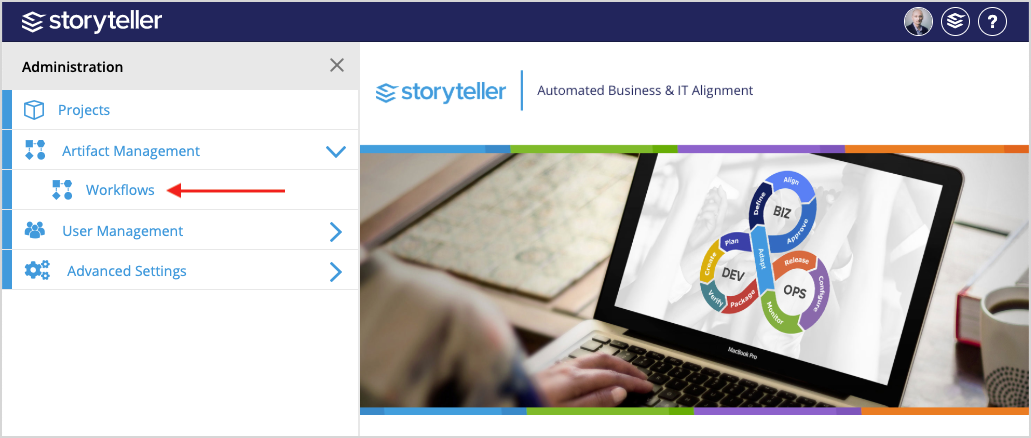
- Search for and locate the Workflow you want to disable. You can use the search bar at the top of the page or the pagination at the bottom of the page to navigate through the Workflows in your instance. Once located, click the Workflow of interest.
- Select the Enable Workflow checkbox.
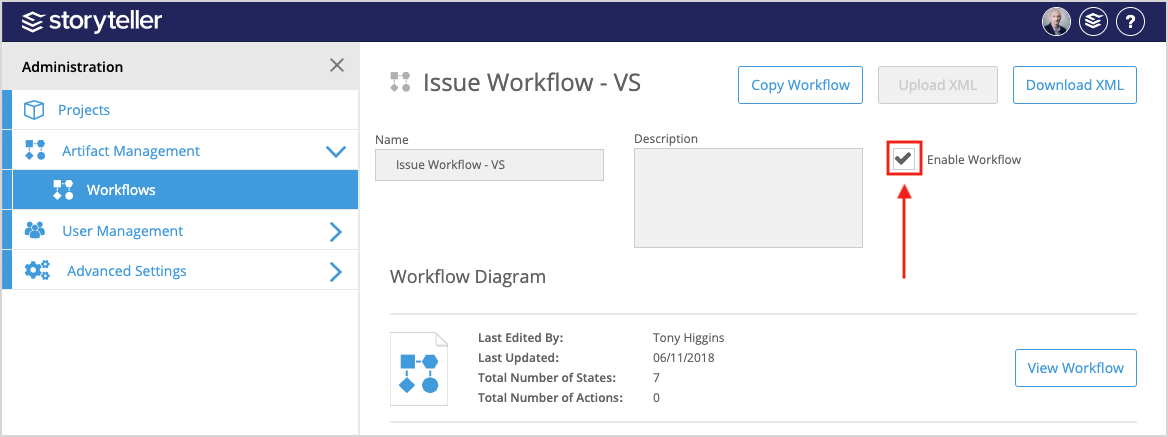
When re-enabling a modified Workflow, if none of the States have changed, all artifacts will be in their respective States at the time of disabling.
If States have been removed, any artifacts that were in that State at the time of disabling are placed back in the initial State.