Upload a Workflow
2 min
Workflows can be created in Blueprint by uploading an XML definition. To upload a Workflow:
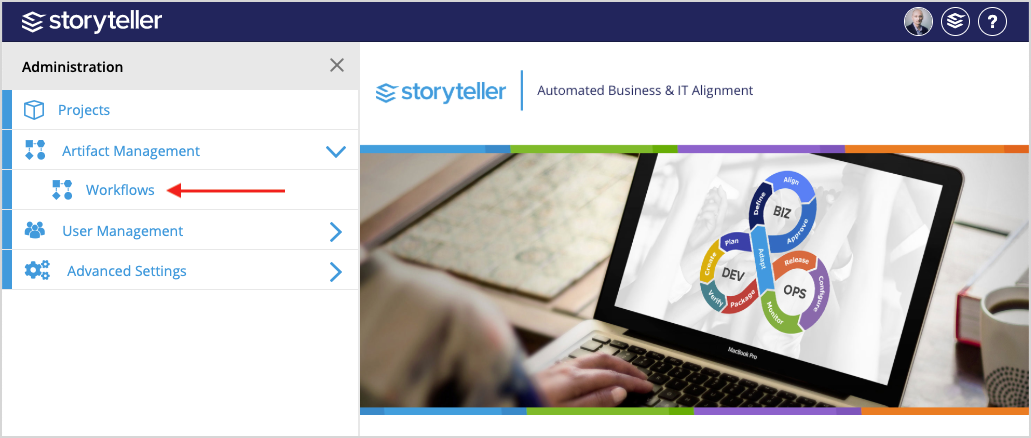
- In the Blueprint Administration Portal, click the Artifact Management dropdown and select Workflows.
For information on how to access the Admin Portal, see About the Administration Portal.
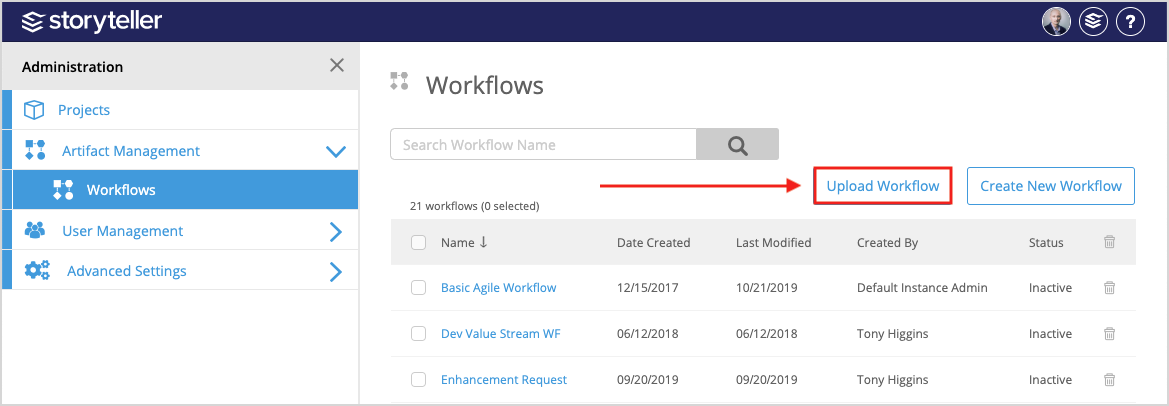
- Click Upload Workflow.
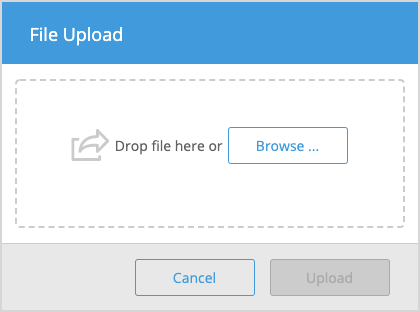
- In the File Upload modal displayed, drag and drop your XML definition or click Browse to locate and select the file in your file manager, and click Upload.
For XML references and examples, see Workflow XML Reference.
When uploading an XML definition to modify a Workflow, there are some cases where XML-defined properties will be read-only on the Workflow Canvas.