Add Links and Inline Traces to Shapes in the Universal Model Editor
1 min
Adding links and inline traces to your shapes in the Universal Model Editor allows you to navigate to external resources or link to other artifacts in your repository.
To add links and inline traces to your shapes:
- Access the Format Shape tab in the Utility Panel.
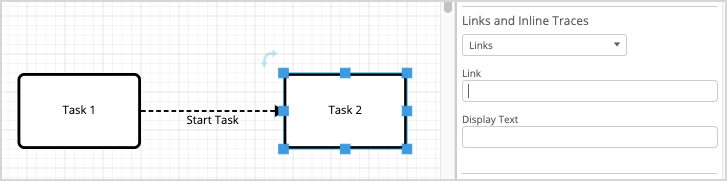
- Click the Links and Inline Traces drop-down and select Links or Inline Traces as needed.
- For a link, enter the URL, then change the display text, if desired.
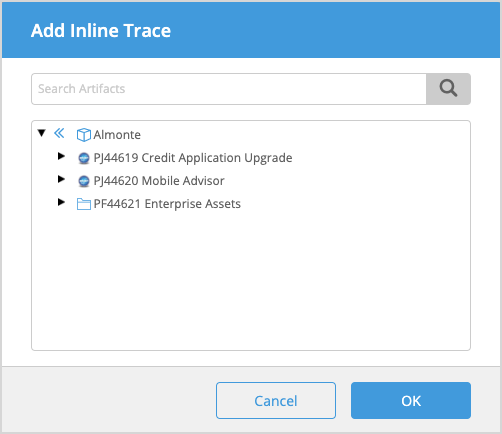
- For an inline trace, search for and select the artifact you want to trace to in the Add Inline Trace modal that is displayed and then click OK.