The Review Experience User Interface
On the left side of the main header, the Review name and ID are displayed, as well as the ID of the related Sealed Baseline, if applicable.
Header
If the manager has set a description or participant instructions for the Review, an info icon ( ) is displayed. Click the icon to expand and contract the area containing the included content.
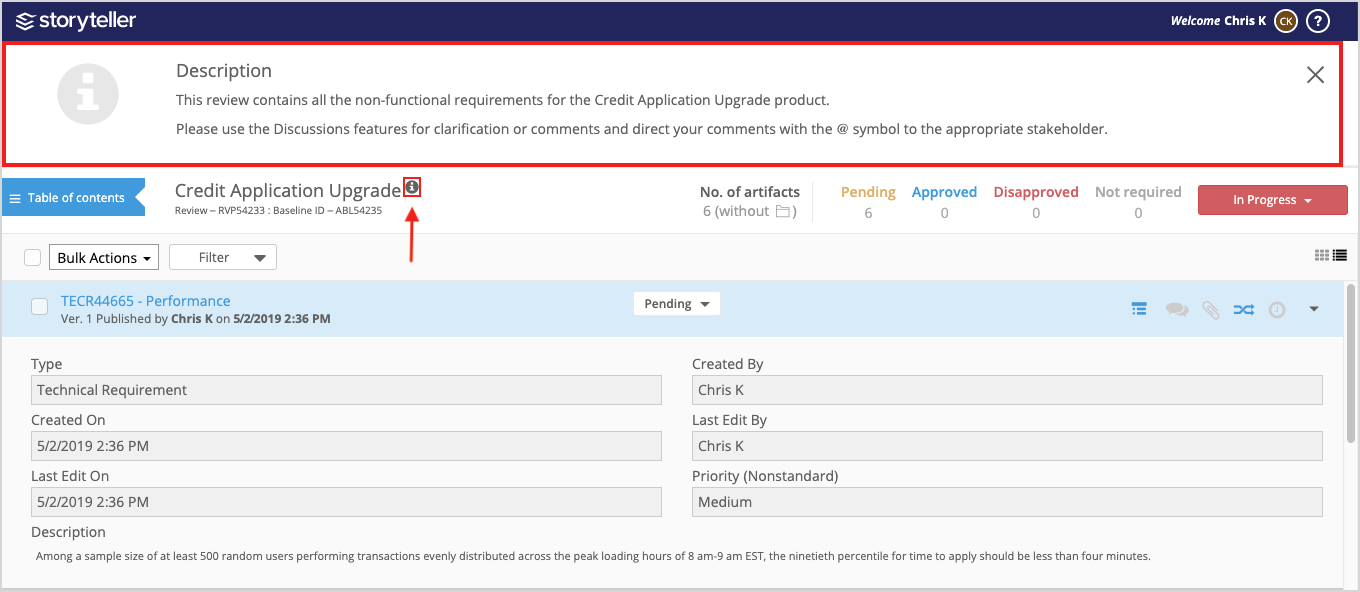
Table of Contents
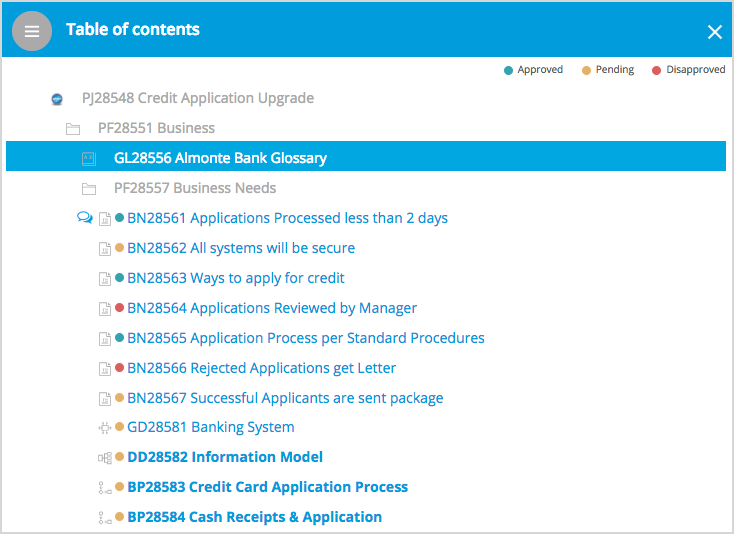
Use the table of contents in the upper-left to quickly navigate the Review, while viewing the artifacts in context of the broader project hierarchy. Indicators demonstrate which artifacts have comments, and, for Approvers, which ones still need approval. Any unviewed artifacts are bolded.
Artifact Header
The artifact header contains each artifact’s name and version, as well as when and by whom it was last published.

Artifact Details
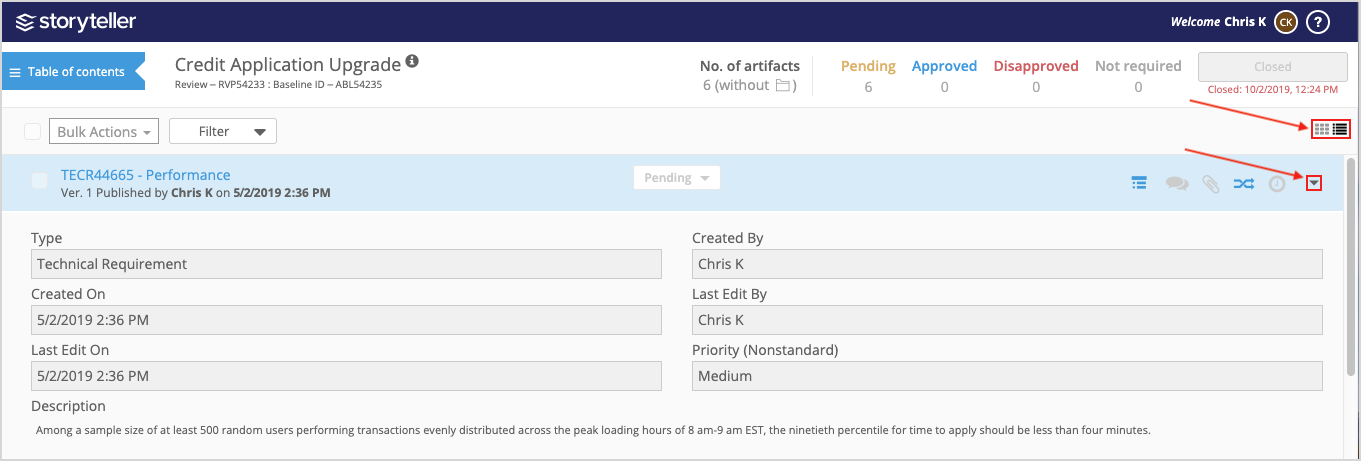
The core artifact details such as description, custom properties, and any relevant diagrams and images, are displayed just below the artifact header. You can collapse or expand individual artifacts by clicking the right-most icon in the artifact header ( ).
).
All artifacts can be collapsed or expanded at once by switching between expanded and collapsed views using the global expand/collapse buttons ( ).
).
The following is a Review in collapsed view:
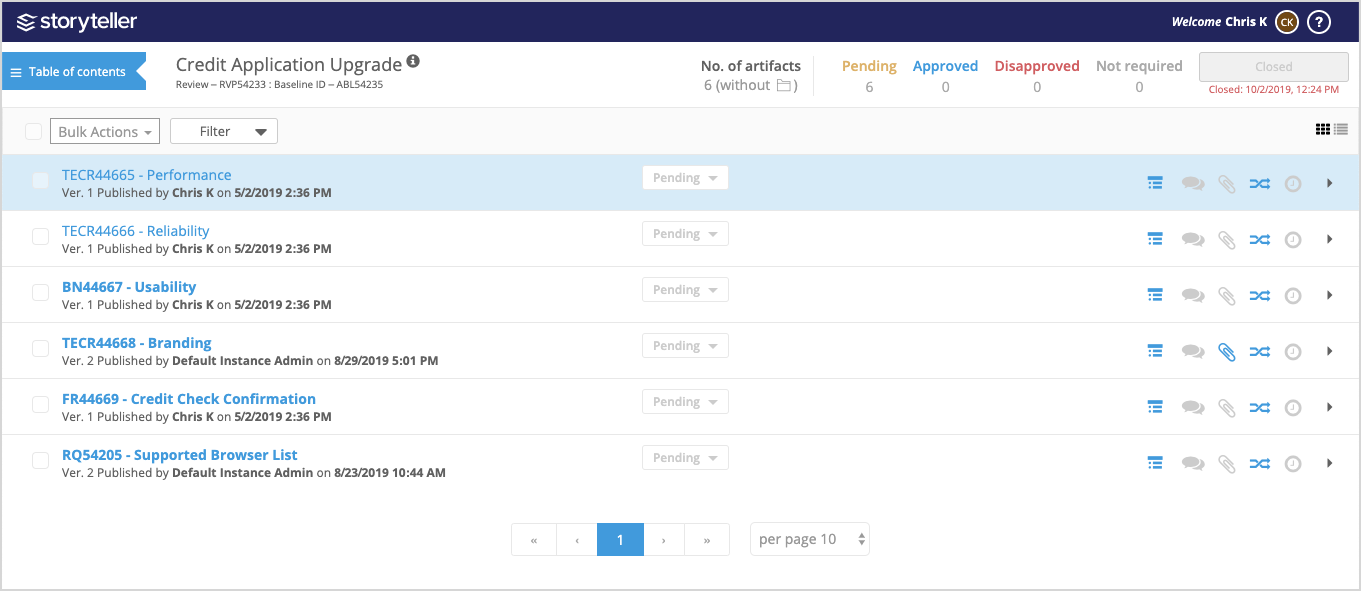
The artifact header also contains the Utility Panel icons. For more information, see The Review Experience Utility Panel.