Set an Expiration Date for a Review
1 min
You can set a Review to expire at a certain date and time.
Expired is not a permanent state. When the Review expires, the Review manager can go back into the Review and extend or remove the expiration date if they so choose.
When set, the expiration date and time will be shown underneath the state button and in the Overview tab in the Review artifact, and underneath the state button in the Review Experience.
To set an expiration date for a Review:
- Access the Review artifact of interest and click the Settings tab.
- In the Set Expiration section, select the checkbox and then select the expiration date and time in the corresponding fields.
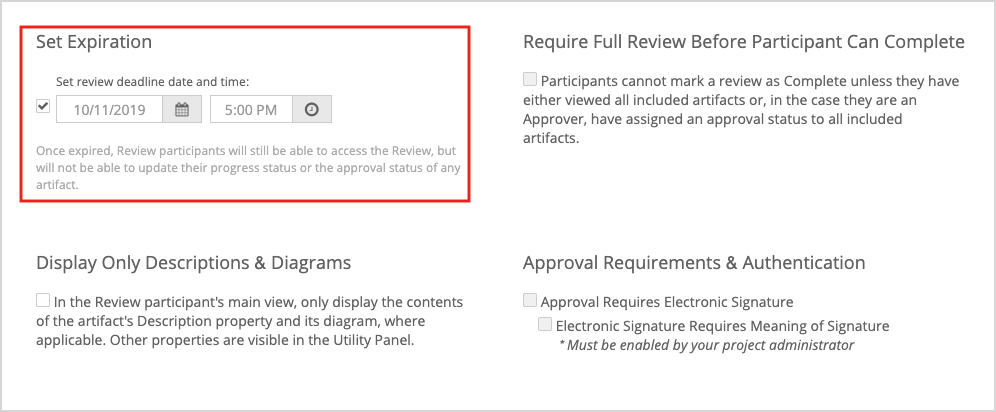
Participants are still able to access an expired review, however, it will display as read-only. No status changes or interactions are permitted or tracked.