Preview User Stories
You can preview a generated user story to verify it is ready to be synchronized with ALM or task-management tools that are used for development and test delivery.
In the Acceptance Criteria section, you will find a representation of the contents of the .feature file—a Gherkin-based description of the feature that will be consumed by test-automation suites. It is here that you can verify that the scenarios that make up the user story are logical and complete, and the syntax used is well-formed.
For more information regarding Gherkin-based description and ensuring the syntax is well-formed, see Generated User Story Components.
To preview a user story:
- Generate the user story for the task you wish to preview. For more information on how to generate user stories, see Generate User Stories. Even if a user story already exists for the task, it is good practice to generate it to ensure latest changes are reflected.
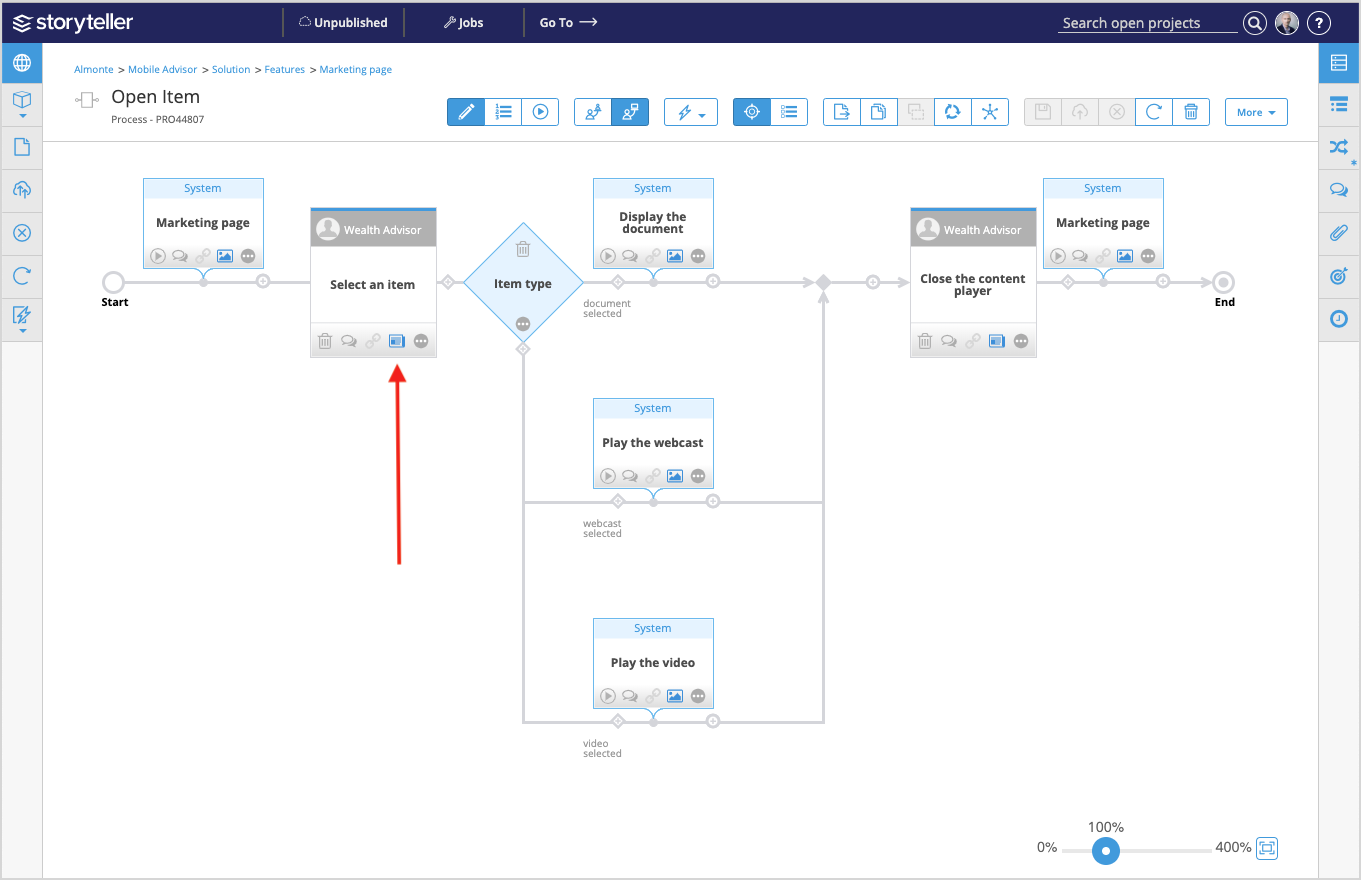
- Click the tasks' user story preview indicator (
 ).
).
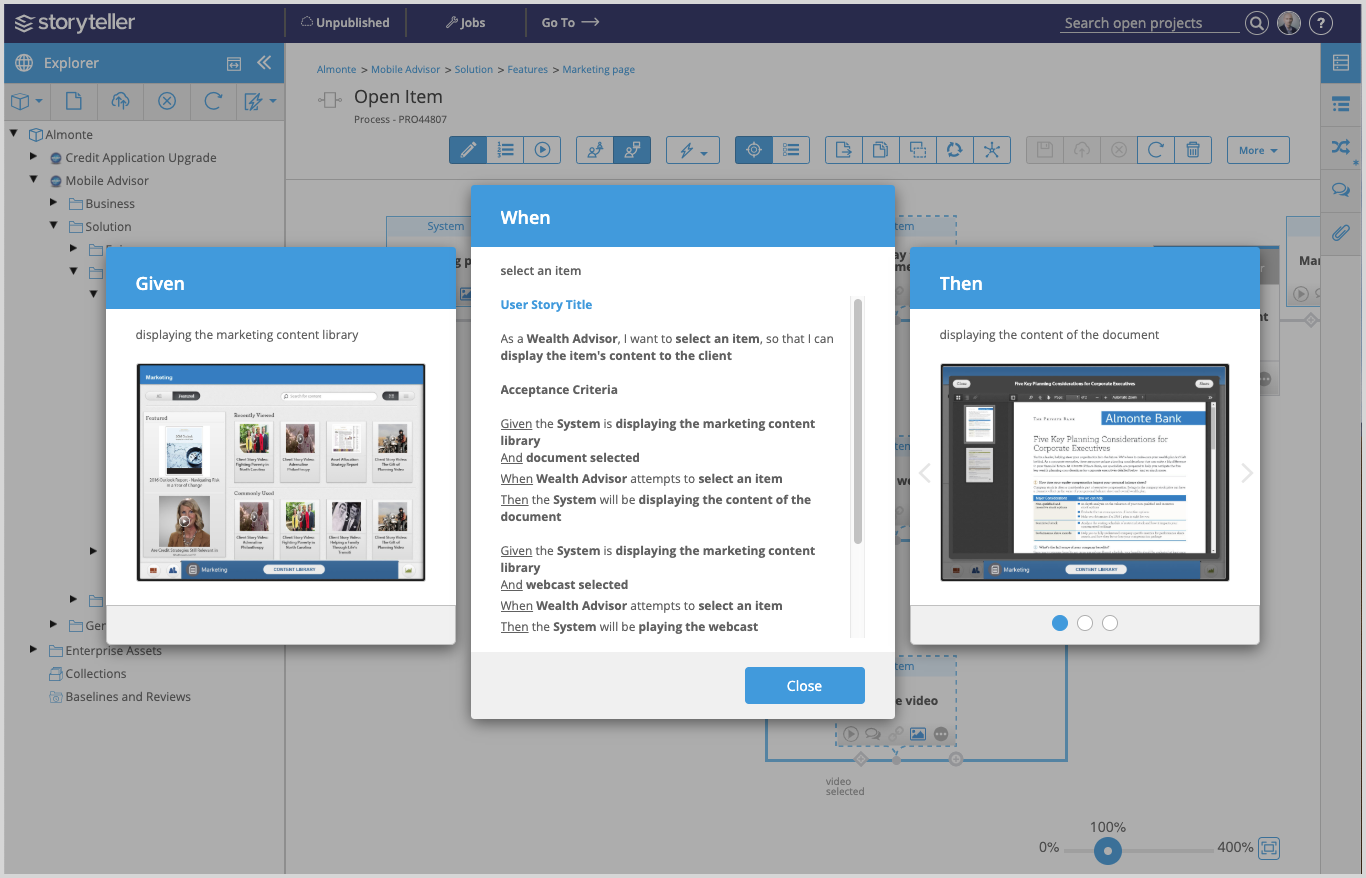
If you click the User Story Title link in a preview, the user-story artifact opens in a new tab, where its properties can be edited.