Edit Projects
0 min
To edit an existing project in Blueprint:
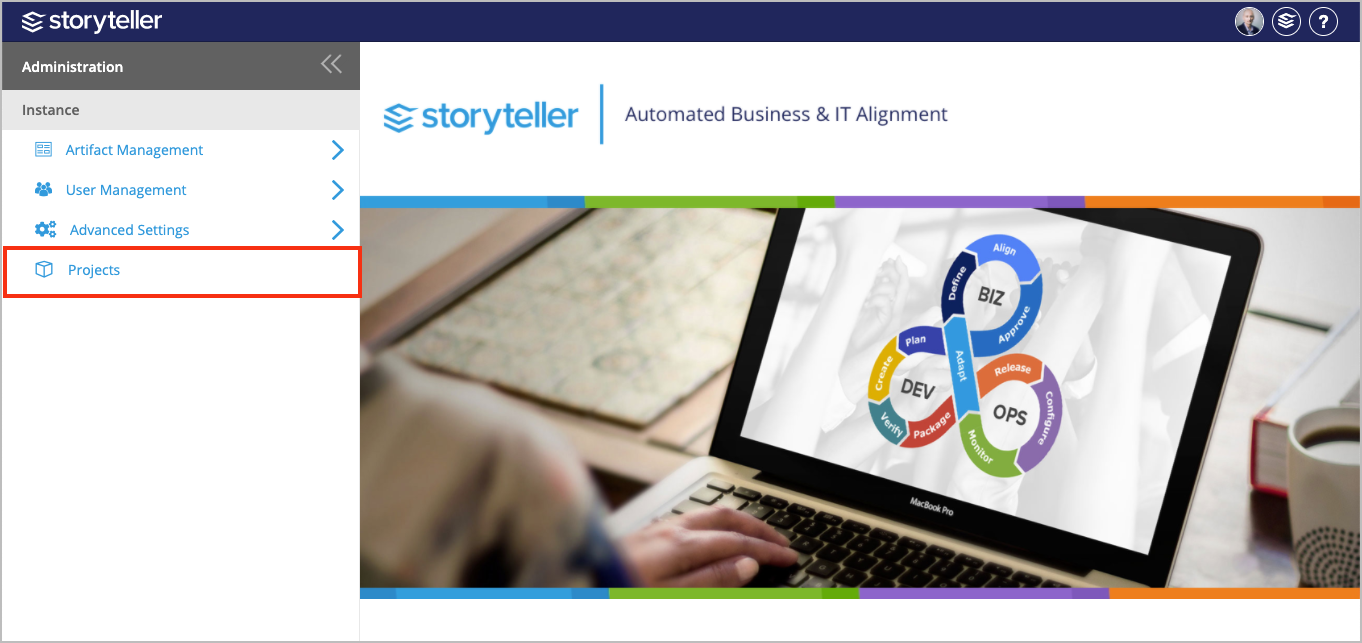
- Click Projects in the Administration Portal. For information on how to access the Admin Portal, see About the Administration Portal.
- In the Projects page displayed, select the project you want to edit.
- Edit as needed and click Save.