Copy a Workflow
1 min
To copy an existing Workflow you have in Blueprint:
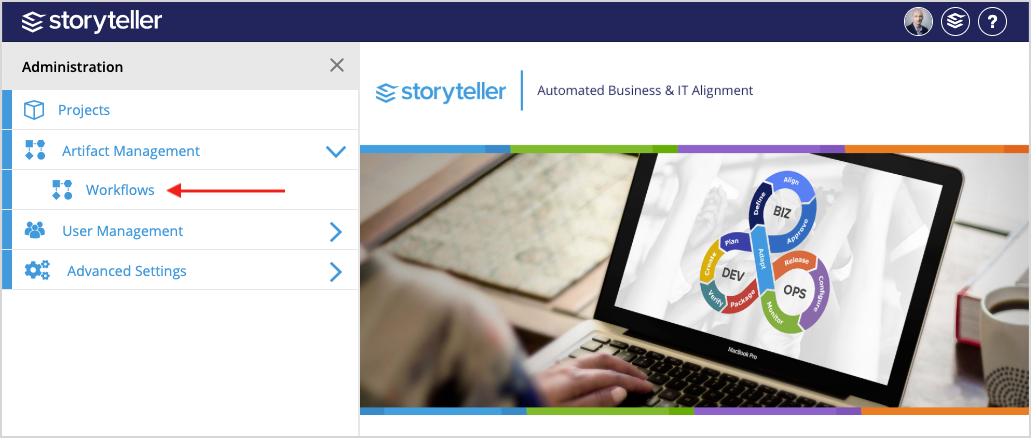
- In the Blueprint Administration Portal, click the Artifact Management dropdown and select Workflows.
For information on how to access the Admin Portal, see About the Administration Portal.
- Search for and locate the Workflow you want to copy. You can use the search bar at the top of the page or the pagination at the bottom of the page to navigate through the Workflows in your instance. Once located, click the Workflow of interest.
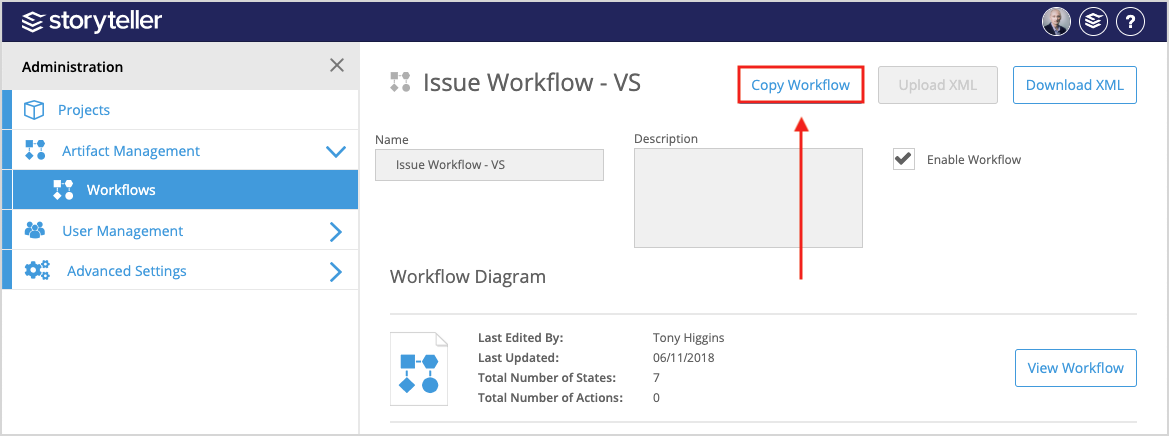
- Click Copy Workflow.
- Enter the details for your copied Workflow and make modifications as needed. See steps 3-10 in Create and Define a Workflow with the Canvas.