Add and Label Shapes to the Canvas in the Universal Model Editor
1 min
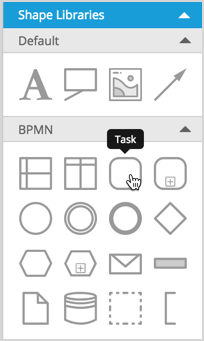
To create your model and diagrams in the Universal Model Editor, drag and drop a shape of interest from any of the libraries.
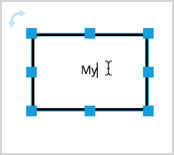
To edit a shape's label, double-click it to be able to modify the text.
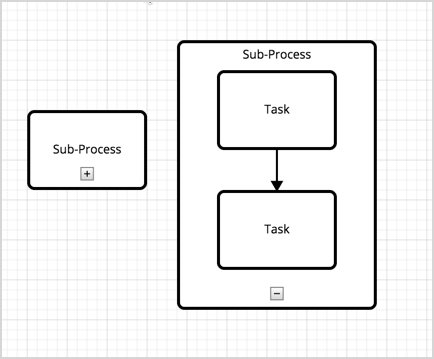
You can also use containers, to group other shapes. After you drag a container onto the canvas, drag other shapes into the container. The container will automatically re-size to fit its content.