Add an Image to Support a System Response
1 min
You can add an image to a system response to visually describe it and complement the existing verbal description.
Depending on the system response, an image may be required (for example, a mockup of a user interface), or it may be optional yet supportive (for example, a sequence diagram).
Images added to system responses are attached to associated user story artifacts, making them available to development and testing teams. For more information, see the User Stories article.
To add an image to support a system response:
- Click the additional details icon (
 ) for the system task whose response state you want to support with an image.
- In the Additional Detail window, click Upload (or click Change if you are updating an image).
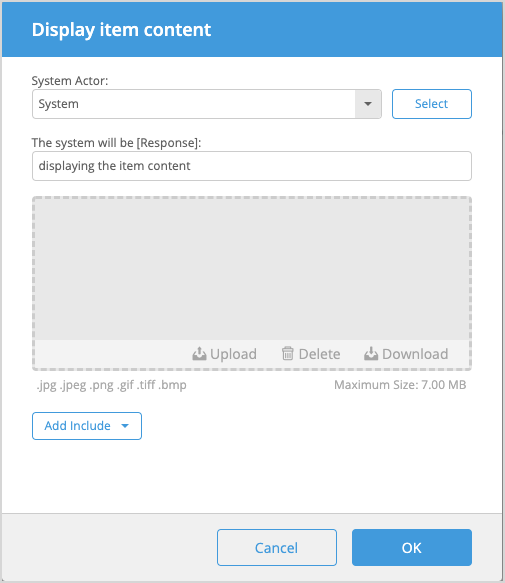
- From your file manager, select a PNG or JPG image file.
The image cannot exceed 2 MB in size.
- Click OK. From the Additional Detail window, you can also view, download, and delete the image.