Admin User Setup
1 min
Complete the following steps to secure the default admin account:
- Launch a supported browser and navigate to your Blueprint site.
- Log in to Blueprint with the following default credentials:
- Username: admin
- Password: changeme
- Change the default admin account password:
- Open the user menu by selecting the user icon in the top-right corner of the screen. It is located to the left of the Admin Portal's gear icon.
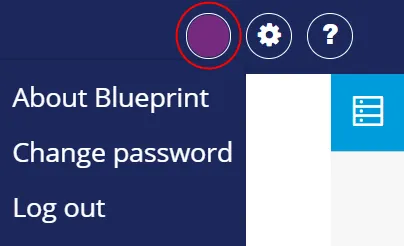
- Select Change Password.
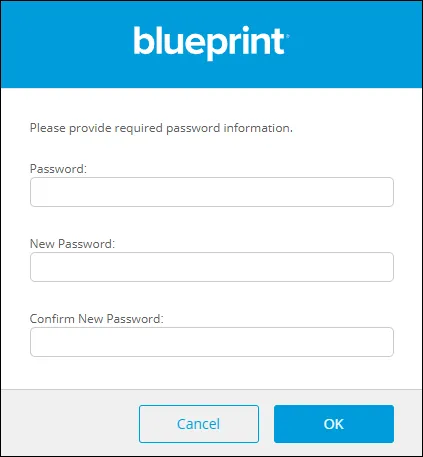
- Enter the current and new passwords and click OK.