Resize Shapes in the Universal Model Editor
1 min
In the Universal Model Editor, shapes can be re-sized two different ways.
To re-size a shape:
- Click the shape you want to re-size.
- You can use one of the following three ways to re-size a shape:
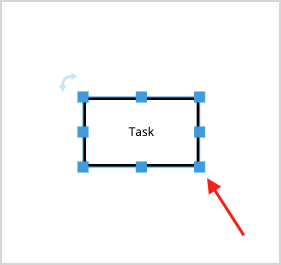
- Drag the re-sizing ports in any of the available directions.
- Change the width and height of the shape manually under the Format Shape tab in the Utility Panel.
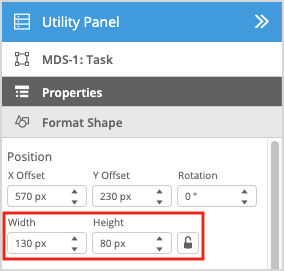
Click the lock icon ( ) under the Format Shape tab in the Utility Panel to lock or unlock the shape aspect ratio.