Generate a Document with the Add-in
1 min
At any time, you can generate output using the data from your data source in Microsoft Office with the Blueprint add-in.
To generate the document from Microsoft Office:
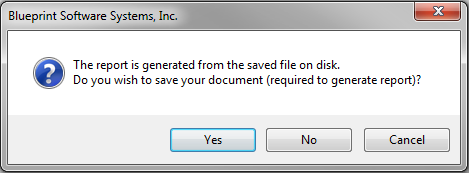
- Save your template. If you do not save your template, the following dialog is displayed when you try to generate output.
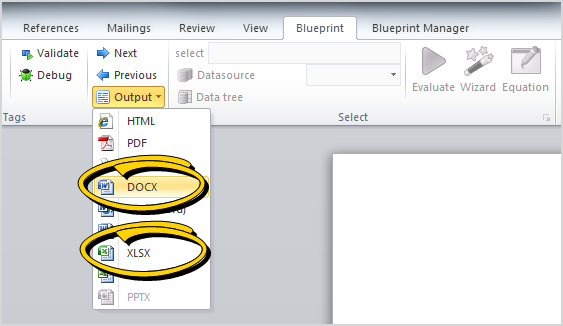
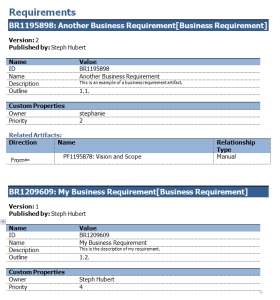
- Click the Output button (Blueprint tab) and select your desired output format. Blueprint supports DOCX and XLSX output formats. The following is an example of a document that was generated using the template: