Edit a Data Source Connection
0 min
To edit a data source connection for your document templates:
- Click the Data Sources button under the Blueprint Manager tab.
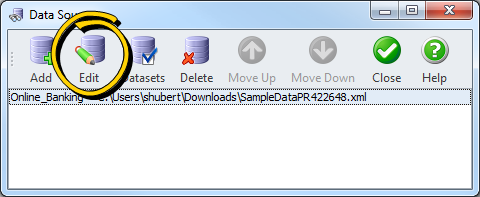
- Select the connection you wish to edit from the left pane.
- Click Edit. The Database Connection Dialog is displayed with the current settings.
- Update the settings as needed.
- Click OK to save your changes, or click Cancel to discard your changes.