Delete Role Assignments
1 min
To delete project role assignments for groups in Blueprint:
- Click Projects in the Administration Portal. For information on how to access the Admin Portal, see About the Administration Portal.
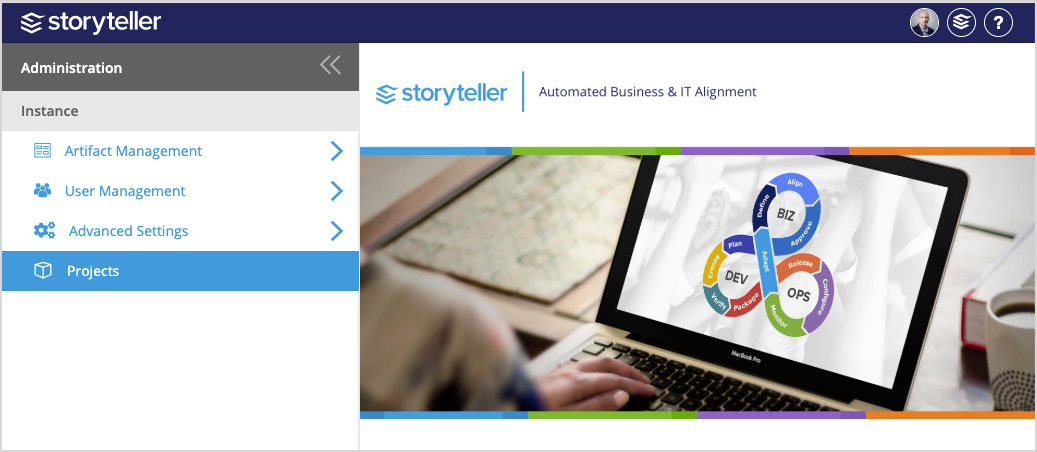
- In the Manage Projects page displayed, locate and select the project you want to delete role assignments for.
- Expand the project's Manage Access tab.
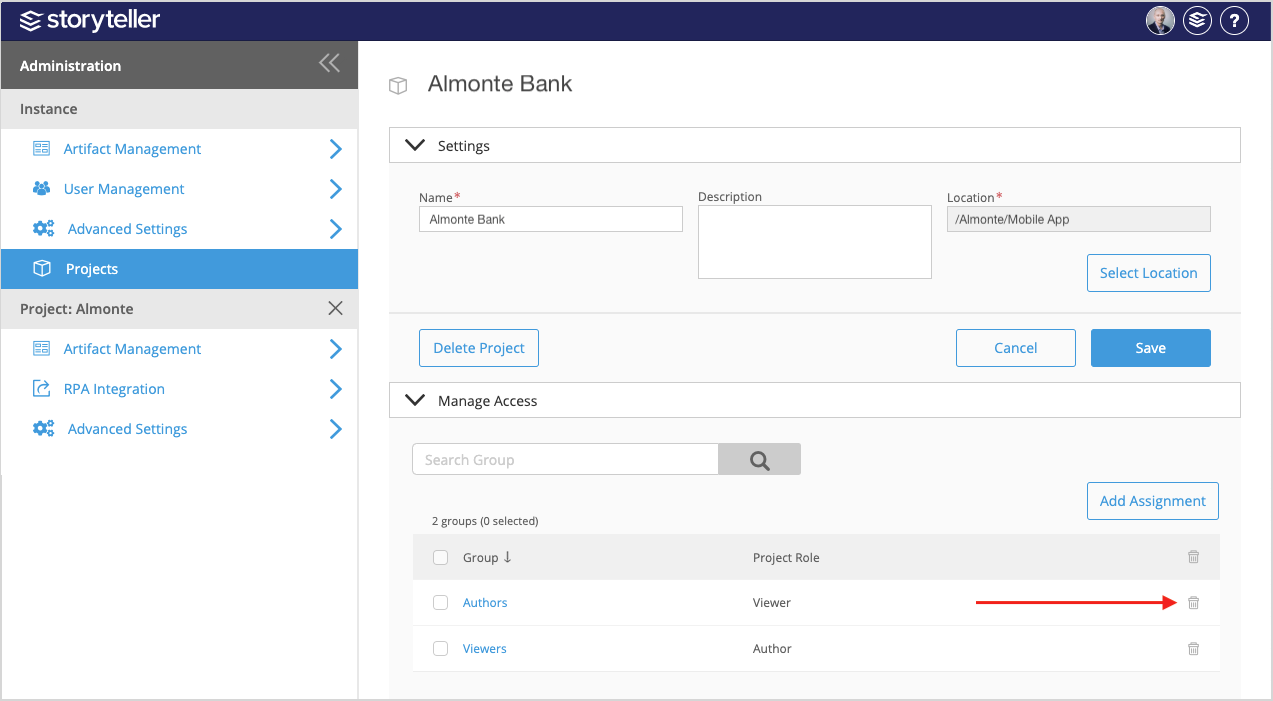
- To delete a single role assignment, select the radial button for the Group you want to delete role assignments for and then click the delete icon (
 ) at the end of its row.
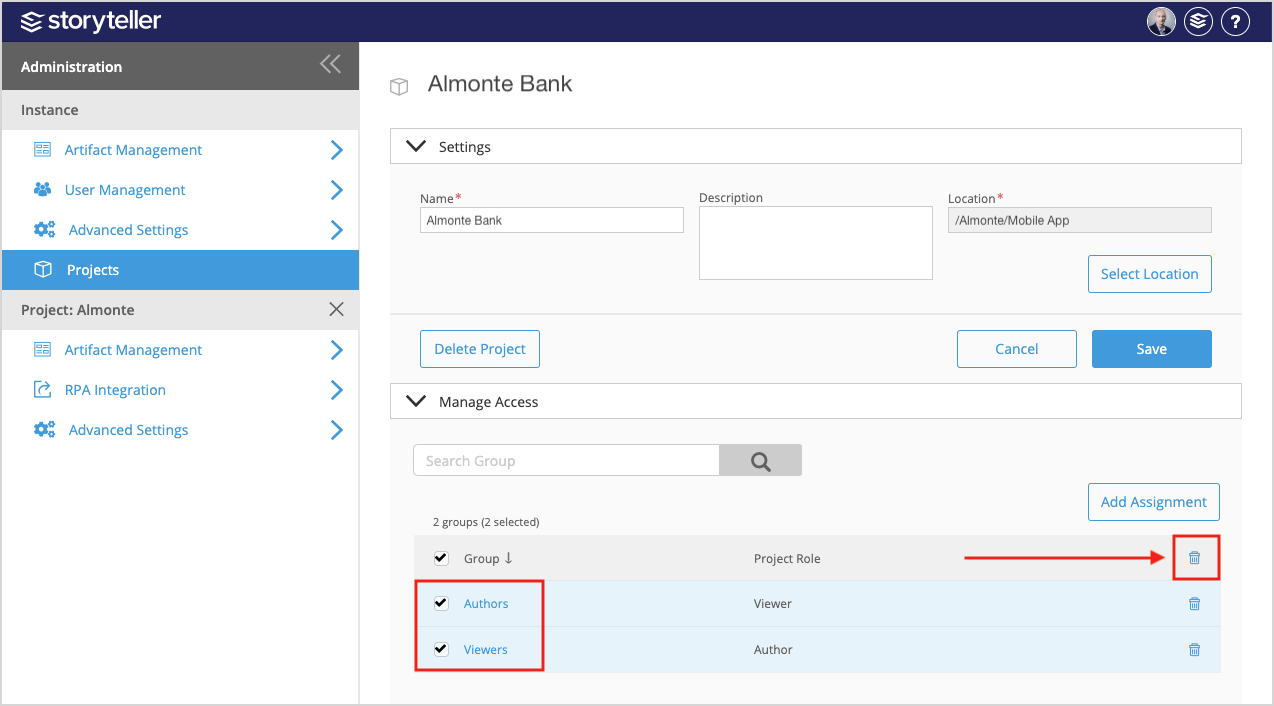
- To delete multiple role assignments, select the radial buttons for the Groups you want to delete role assignments for and then click the delete icon () in the upper-right corner of the table.