Create a Baseline
1 min
To create a Baseline:
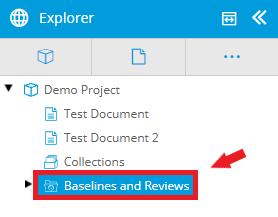
- Click the Baselines and Reviews folder in the Explorer.
- Click the New icon (
 ) in the main toolbar.
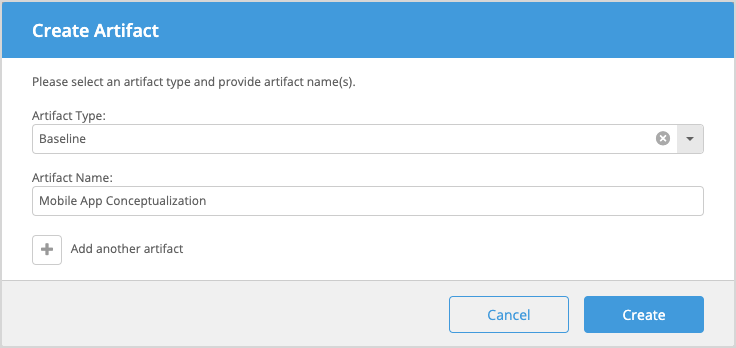
- In the Create Artifact modal displayed, select Baseline and enter a name for the artifact. A Baseline & Review Folder can also be selected to help you organize your Baseline artifacts.
- Click Create.
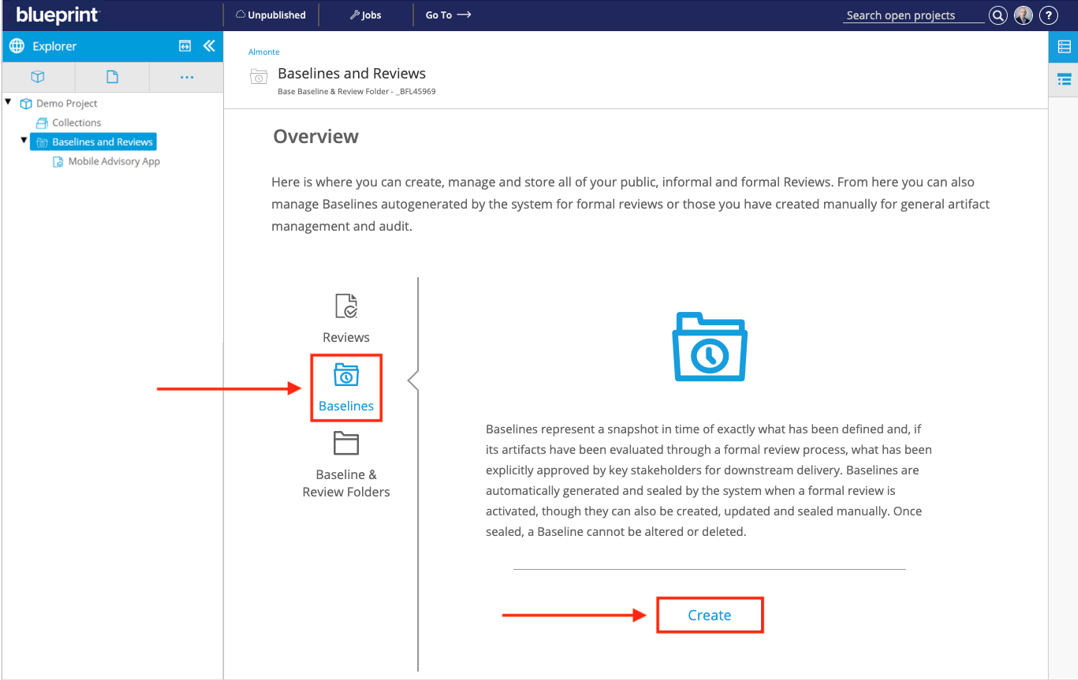
You can also create a Baseline by clicking the Create button in the Baselines tab on the Baselines and Reviews Launch Page.