Copy and Insert Tasks in a Process
1 min
You can make a copy of a task, its accompanying system tasks, and all of their configured details. It can be pasted elsewhere in the Process, or into a different Process for refactoring.
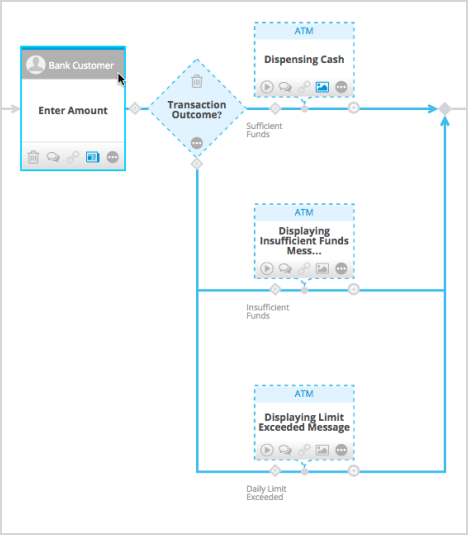
A group of copied shapes can include, at minimum, a task and system task. However, if the task is followed by one or more sets of conditions and system tasks, all of these are included.
To copy and insert a task in the same Process or a different Process altogether:
- Select a task and then click the Copy Shapes button (
 ) in the artifact toolbar.
- When you click the add icon (
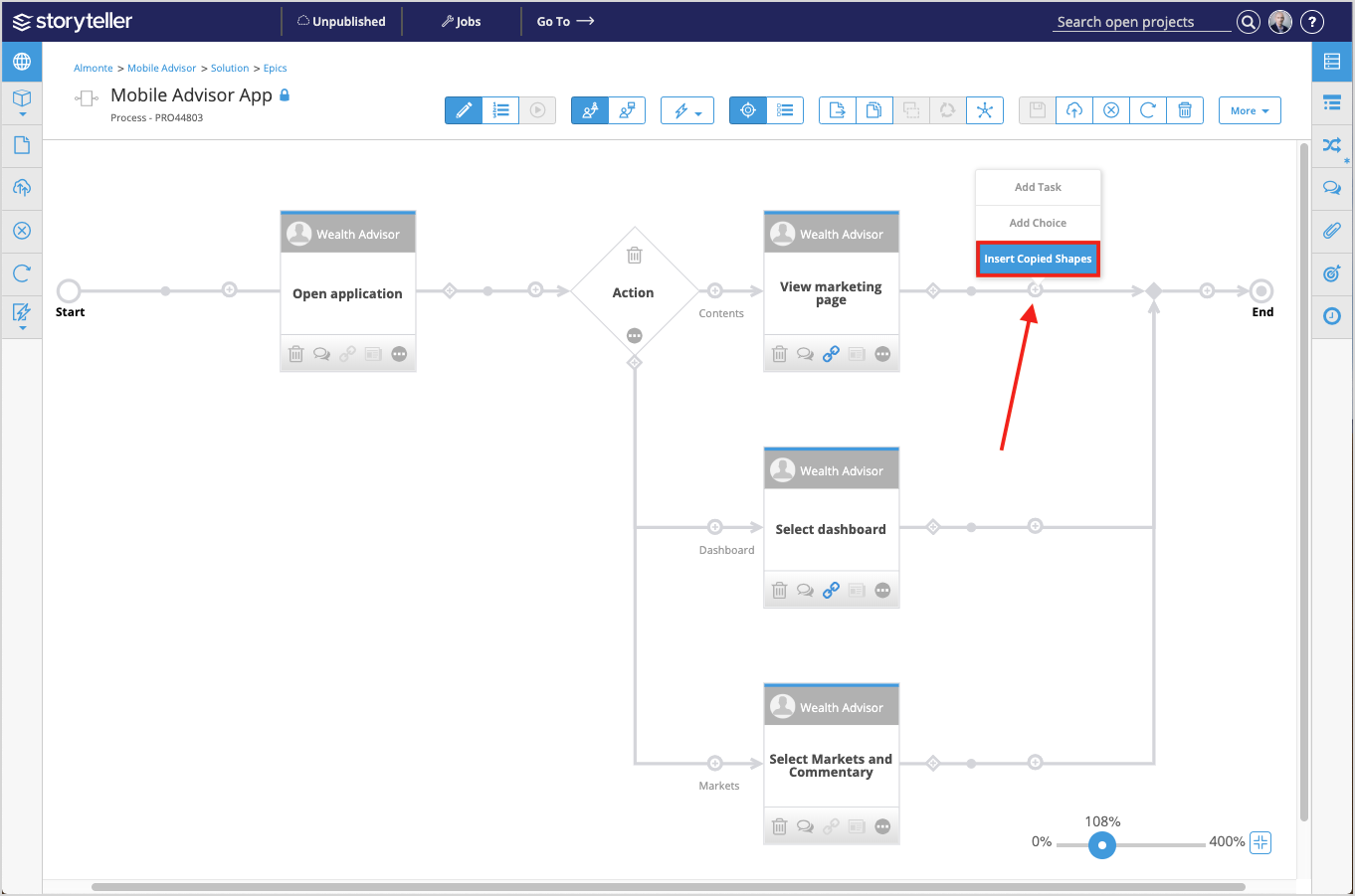
 ) where you would normally add a task, you can Insert Copied Shapes.