Add Traces Using the Manage Traces Button
1 min
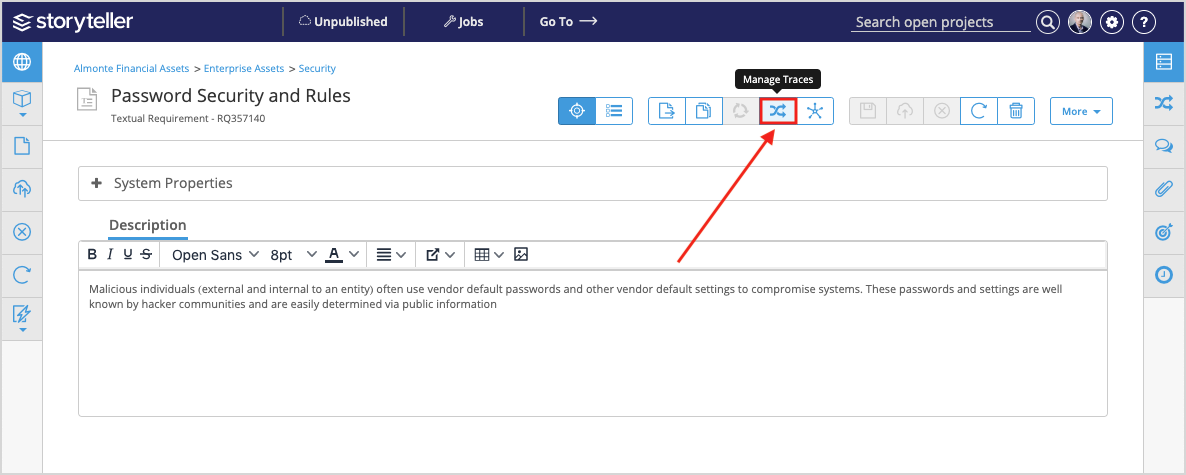
To add traces using the Manage Traces button in the artifact toolbar:
- While working on the artifact of interest, click the Manage Traces button (
 ) in the artifact toolbar.
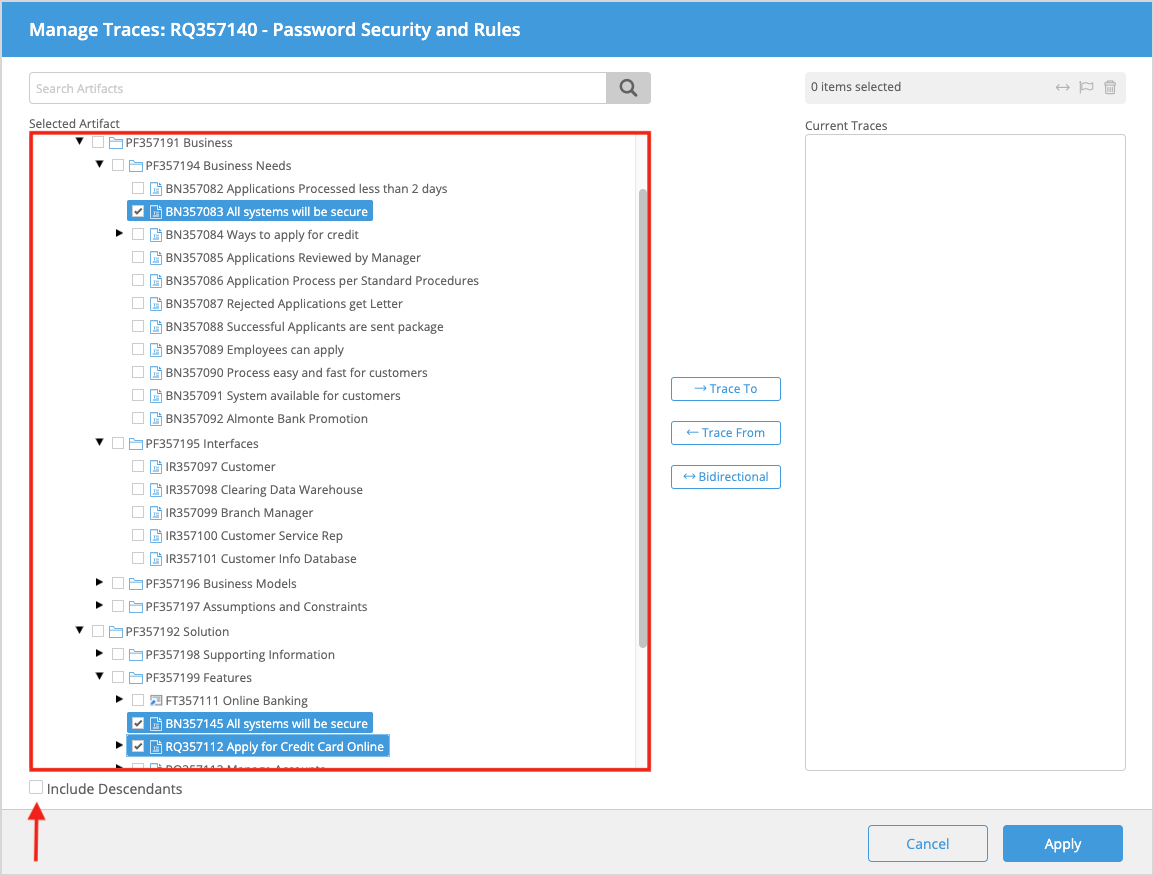
- In the Manage Traces modal displayed:
- Search for and select the artifact you want to establish a trace with in the Manage Traces window. You can select multiple artifacts to create traces with. You can also select a parent artifact and all its subsequent children artifacts to create a trace with by selected the Include Descendants checkbox.
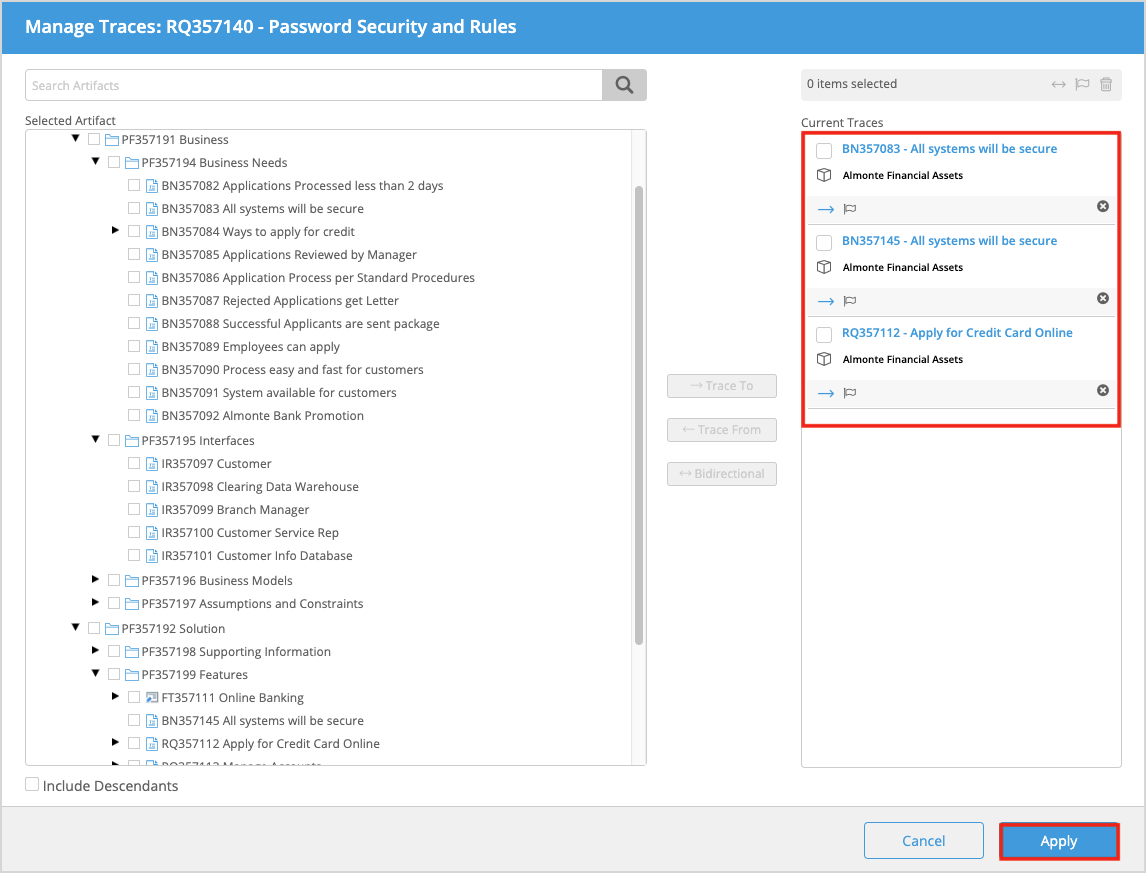
- To define the direction of the trace, select the corresponding direction button displayed.
- Click Apply.
The trace relationships are established and visible under the Relationships tab in the Utility Panel.