Add a Standard Artifact Type
3 min
As a Blueprint administrator, you can create and customize Standard Artifact Types according to your organization's needs. Creating new Standard Artifact Types allows you to further define specific items of work for use across your instance.
To add Standard Artifact Types in the Administration Portal, users must have the "Manage Standard Properties and Standard Artifact Types" privilege in their Instance Administration role. For more information on Instance Administrator Roles, see Manage Instance Administrator Roles.
To add a Standard Artifact Type:
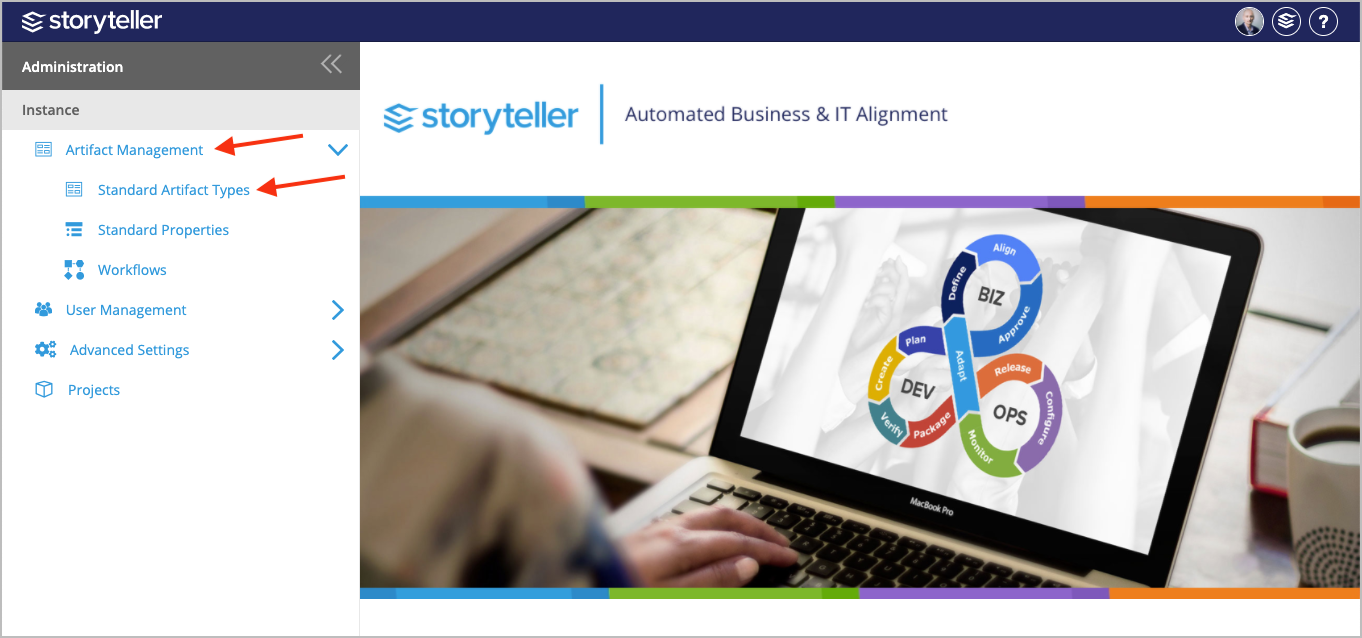
- In the Administration Portal, under Instance, click Artifact Management and select Standard Artifact Types. For information on how to access the Admin Portal, see About the Administration Portal.
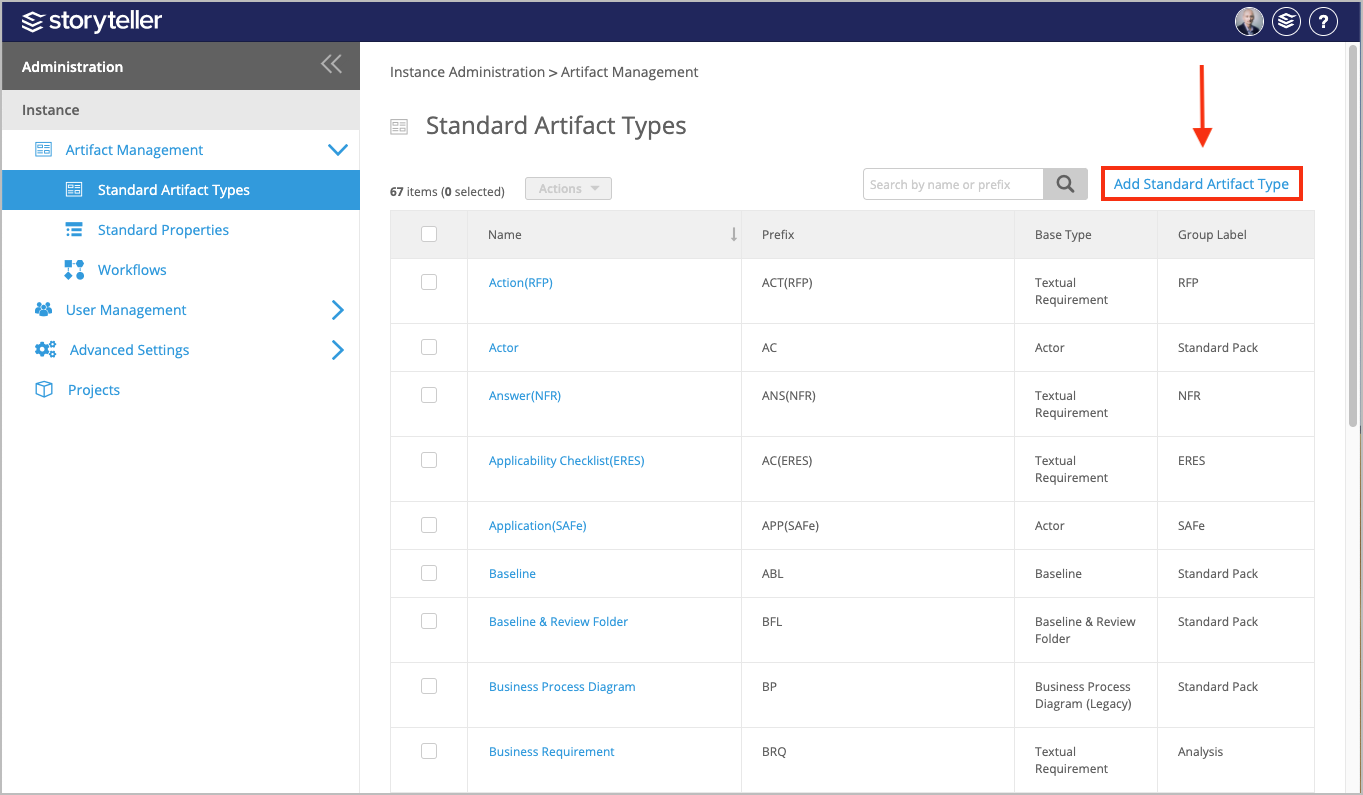
- Click Add Standard Artifact Type.
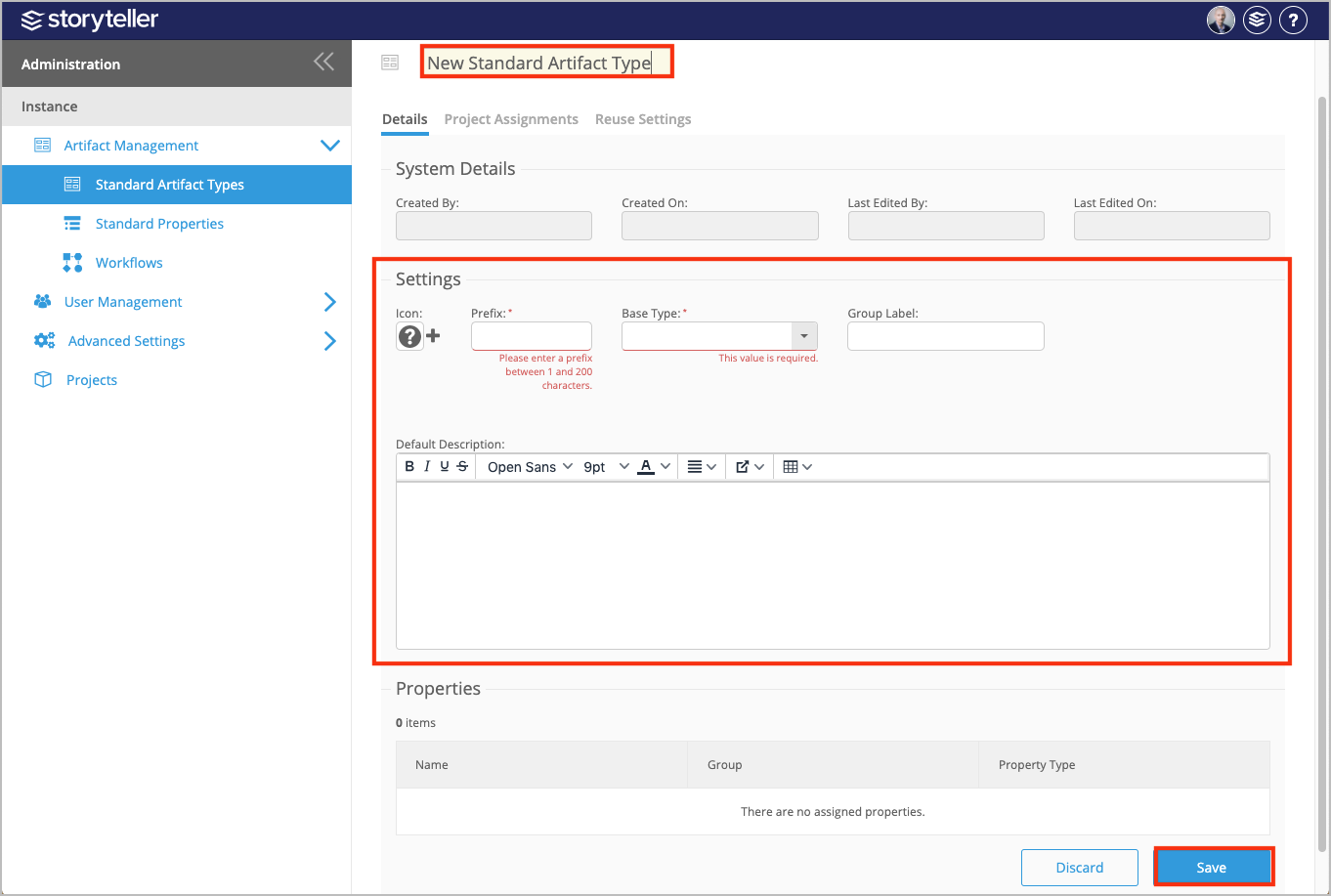
- In the page displayed:
- Click the default name in the header and enter a new name for the new Standard Artifact Type you are creating.
- Add an icon to your Standard Artifact Type that will be displayed in the Explorer and header in the artifact details page by clicking the Upload image icon.
- Enter a prefix in the Prefix field to help your users quickly identify the artifact type.
The prefix is a required field and must be between 1-200 characters and unique.
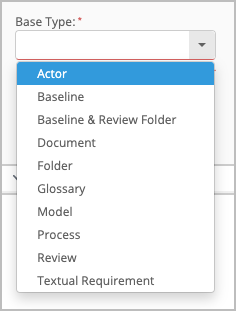
- Select a Base Type artifact in the corresponding field to model your new Standard Artifact Type after. This is a required field.
- Enter an optional group label in the corresponding field.
- Enter a default description in the Default Description field to give your users added context when creating and accessing this specific Standard Artifact Type.
- To assign properties to your new Standard Artifact Type, see Assign Standard Properties to a Standard Artifact Type.
- Click Save.