Code Replace
After generating the PAD code, but before actually exporting it to Power Automate Desktop, Blueprint will run any enabled Code Replace rules. This allows users to literally perform a find & replace across the generated PAD code (i.e. Robinscript).
This has several uses. For example, since the code contains a variety of comments inserted by Blueprint like "INFO" or "TODO" comments, the user is able to replace those with actual code fixes. Or if a user isn't happy with some aspect of code generated by Blueprint, they can override it.
Once a rule is created by clicking Add New the original code and substitute code can be entered as seen below:
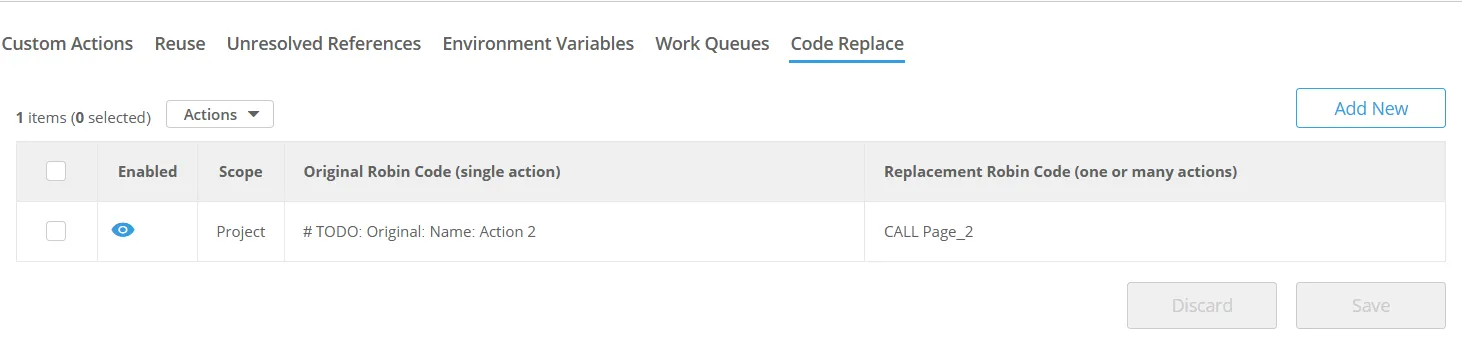
Exporting with this rule will substitute the TODO comment with the PAD action "Run subflow Page_2".